Banner
This module is a callout-style designed to draw attention to a key message.
Content options
- Tag: A short label above the heading, like a product or campaign name. Optional.
- Banner heading: One line that makes the point. A question works well.
- Banner body: One or two sentences backing up the heading.
- Buttons: Up to two: a primary action and an optional secondary one.
- Banner image: A background photo, or a product image for the offset layout.
Design options
- Background image: Full-width background photo with centred text.
- Offset image: Product image on the right, left-aligned text and a gradient background.
Recommendations
- Do use it as a full-width section, part-way down or near the end of a page.
- Don't use it at the top of the page. Use the Hero module there.
- Do use background photos that add context, not ones that pull focus. Real venues work best.
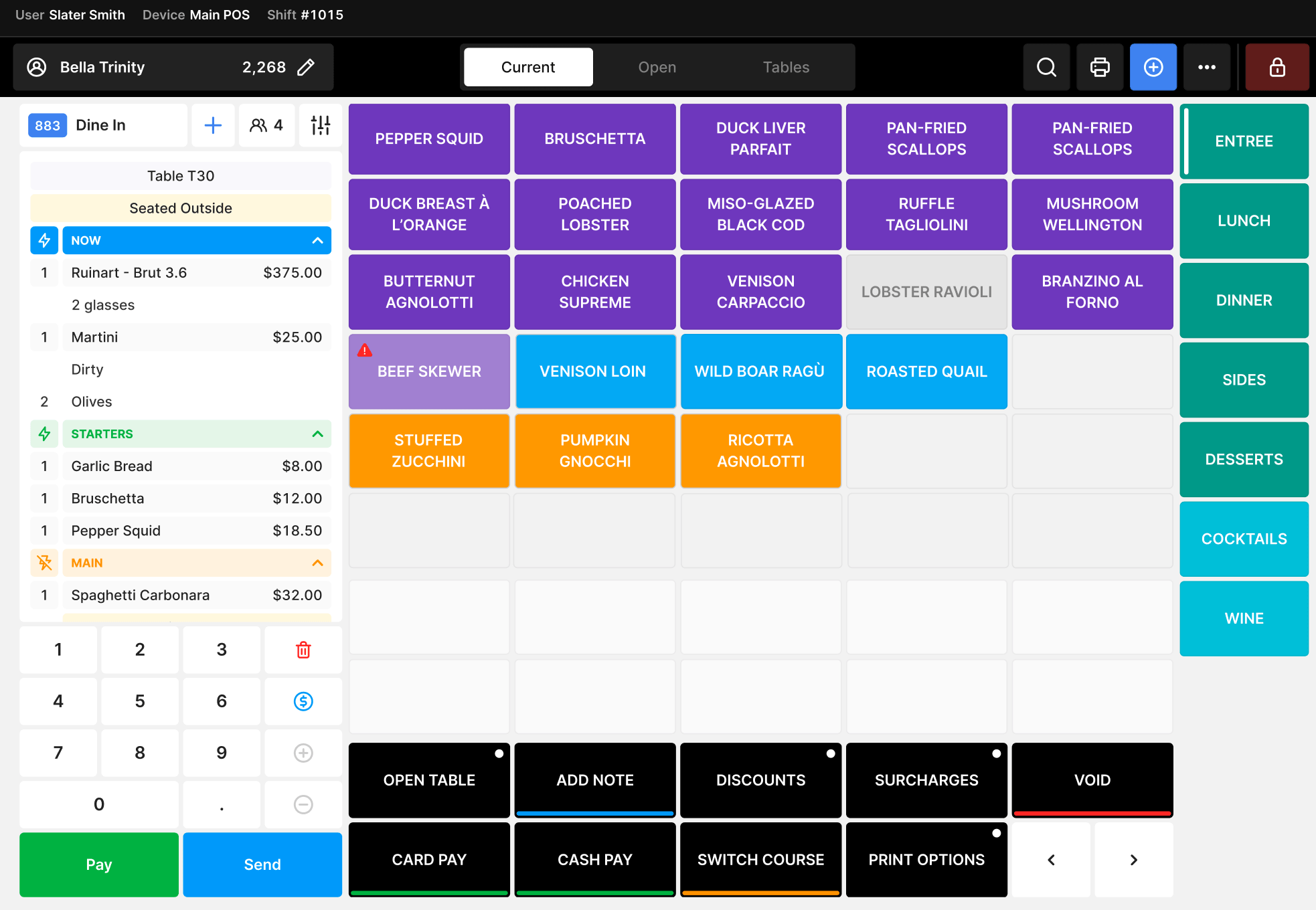
- Do use offset images that show a device or screenshot on a transparent background.
Examples
Banner module with defaults.
Banner module
This module is a callout-style designed to draw attention to a key message. It supports a headline, short supporting text, and optional CTA buttons.
Background image to add context.
Ready to upgrade your guest experience?
Talk to our team today and see how Oolio powers the best bars and clubs.
Offset image to showcase product.
Ready for a POS built for hospitality?
Talk to our team to see how Oolio POS can work for your venue.