Skip to content

Cards

This module is a grid of content cards, each with a title, short text and an optional image, icon, tags and buttons.

Content options

  • Tag: A short label above the heading. Optional.
  • Body text: A heading and short intro above the cards.
  • Cards: As many as you need. Each has a title and body text, with up to two tags and optional buttons.
  • Image or icon: Each card can show a banner image, an image, an icon, or a banner image and icon.

Design options

  • Cards per row: One to six on desktop. Tablet shows two per row, mobile one.
  • Content alignment: Card text left, centred or right.
  • Image and icon alignment: Left, centred or right, with icon colour, background and size.
  • Tag style: The colour of each tag.
  • Button styles: A style for the first and second button.

Recommendations

  • Do keep cards consistent: the same content type and a similar amount of text in each.
  • Don't use it just to link to other pages. Use the Card links module instead.

Examples

Cards module with defaults.

Cards module

This module displays a grid of content cards, each with a title and body text. Cards can also include an image or icon, available in a few different styles. Use it to present any structured content that benefits from a clean, repeatable layout.

Card 1

Phasellus varius, justo eget viverra aliquam, ex nisl ultrices nulla, in scelerisque dolor leo ac justo.

Card 2

Nisl ultrices nulla, in scelerisque dolor. Phasellus varius, justo eget viverra aliquam

Card 3

Aliquam, ex nisl ultrices nulla, in scelerisque dolor leo ac justo. In scelerisque dolor.

Banner images with tags and a button on each card.

Customer stories

Venues running on Oolio

See how real venues use Oolio to keep service moving.
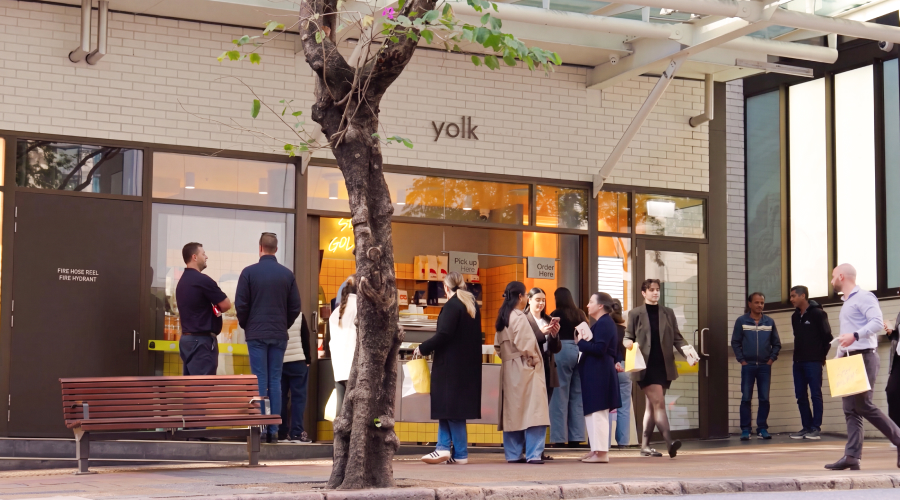
Yolk café in Brisbane
Cafés Loyalty

Yolk

500 coffees and 500 burgers a day, with every order landing in one place.
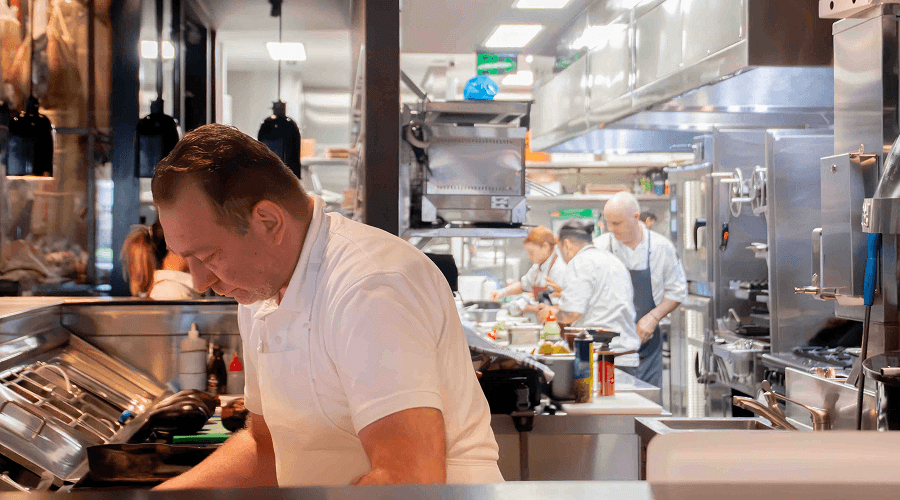
Meat Flour Wine kitchen team at work
Restaurants Payments

Meat Flour Wine

POS and payments on one system across multiple venues.
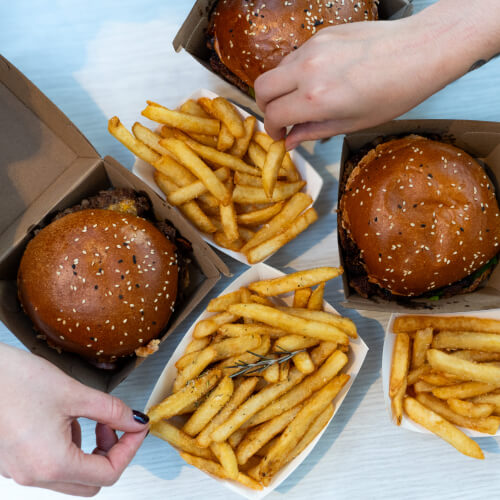
Burgers and chips from Oi Get On It
Quick service QR ordering

Oi Get On It

Kiosks, online ordering and POS working together to serve faster.

Icons with centred text, for short points side by side.

Why venues choose Oolio

The everyday things that keep service running smoothly.

Offline mode

Keep taking orders and payments when the internet drops. Everything syncs once you're back online.

Faster access to funds

Next-business-day settlement comes as standard, because cash flow matters in hospitality.

Every venue in one place

Compare performance and update menus and pricing across every site from one dashboard.