Website Theme
This module is a full-screen carousel showing one slide at a time and visitors click to move between them.
Carousel click module with defaults.
A full-screen carousel where one card is expanded and active at a time.
Each card includes a title, text, and buttons, with a unique background image that changes as you navigate.
High-impact storytelling, feature walkthroughs, or campaign highlights where each item deserves its own moment.
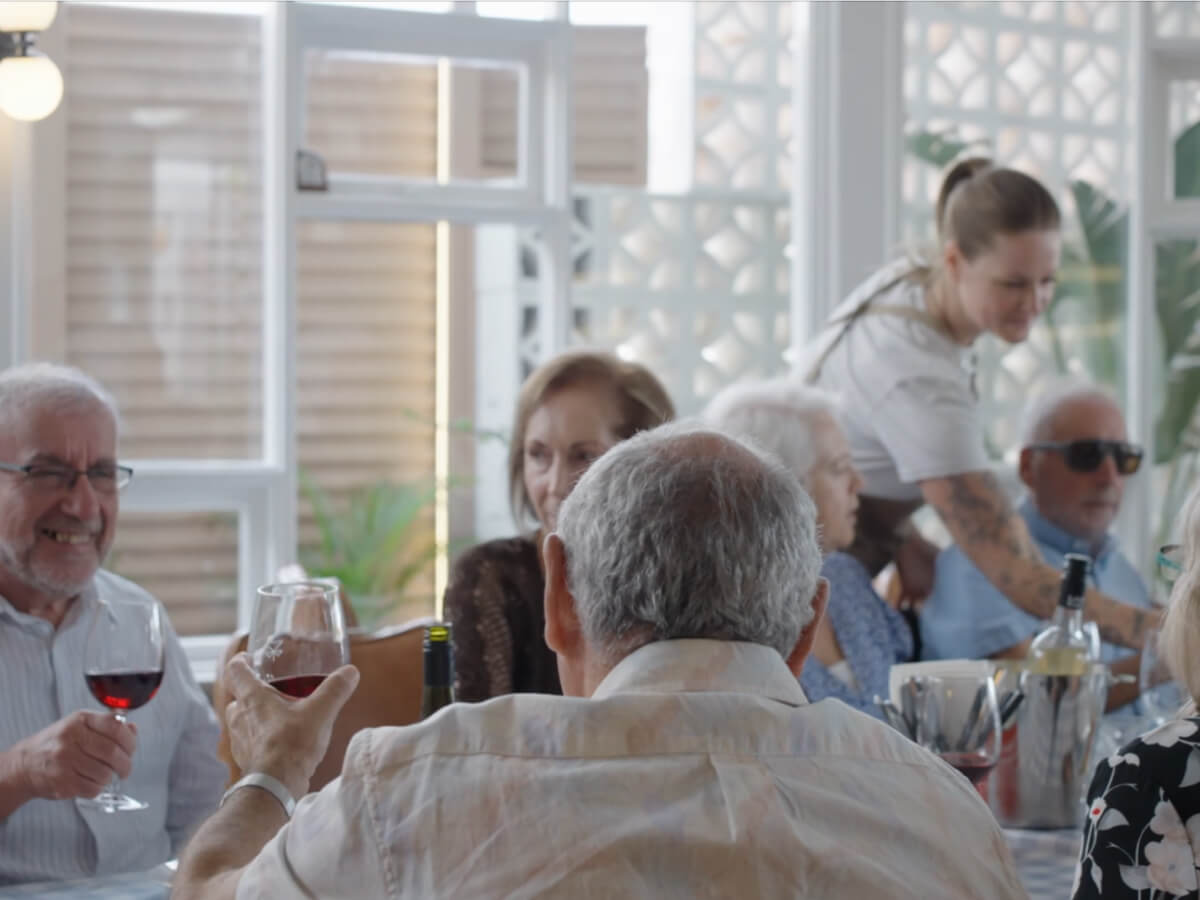
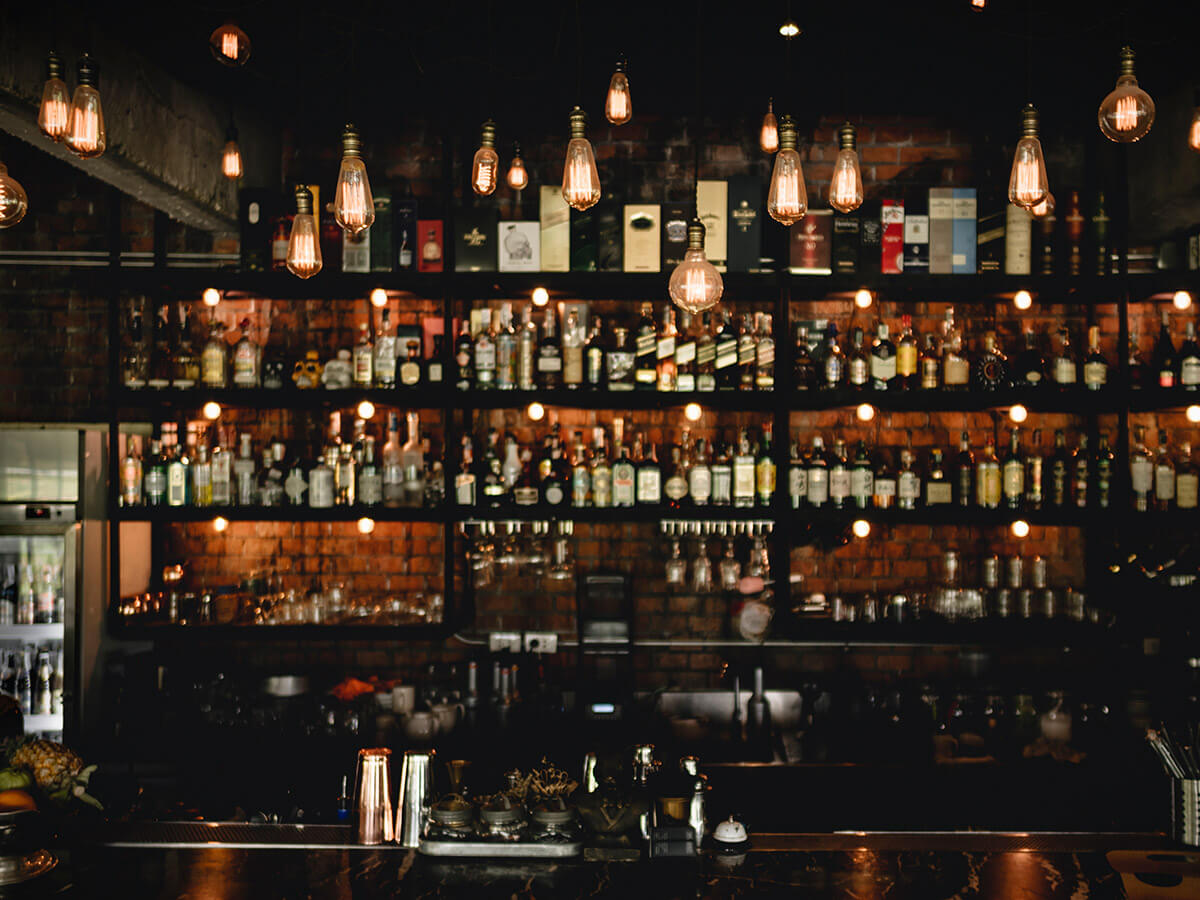
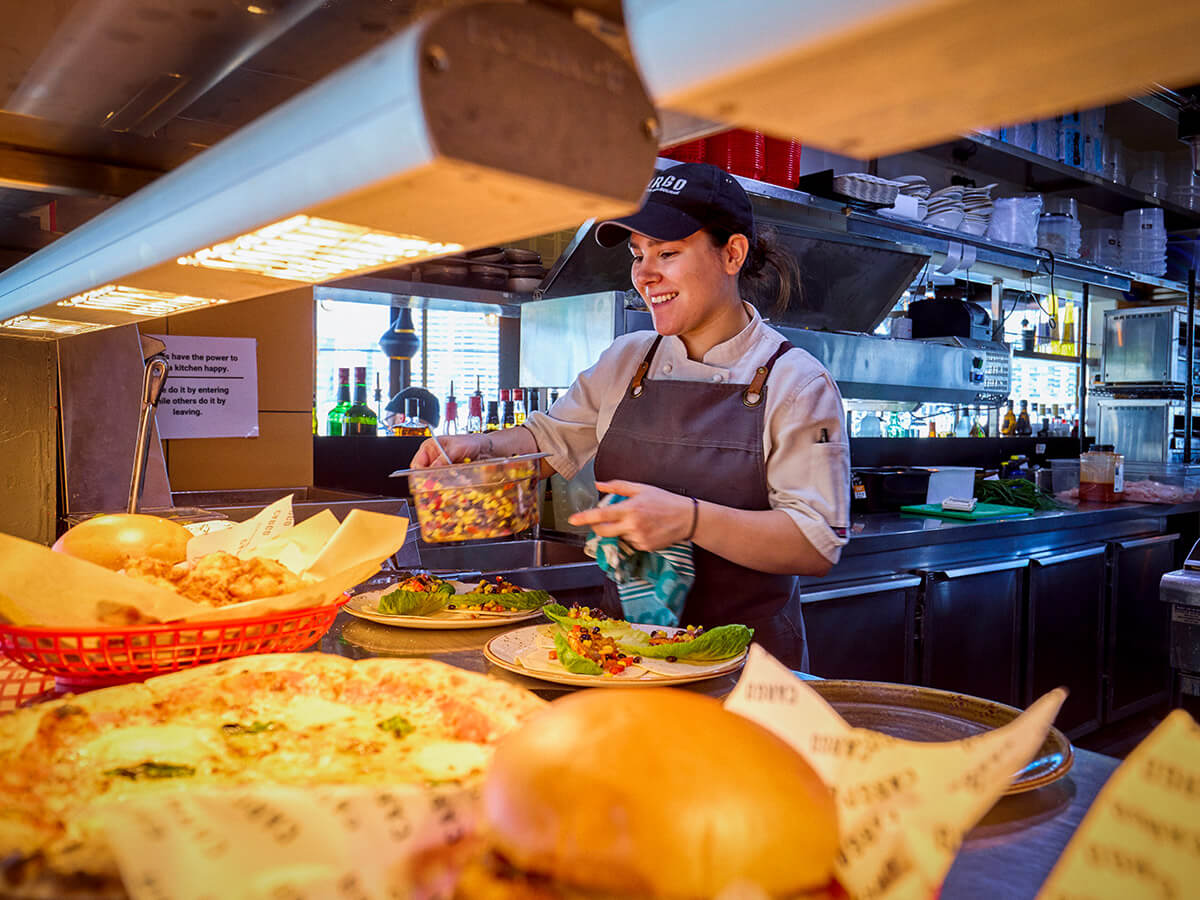
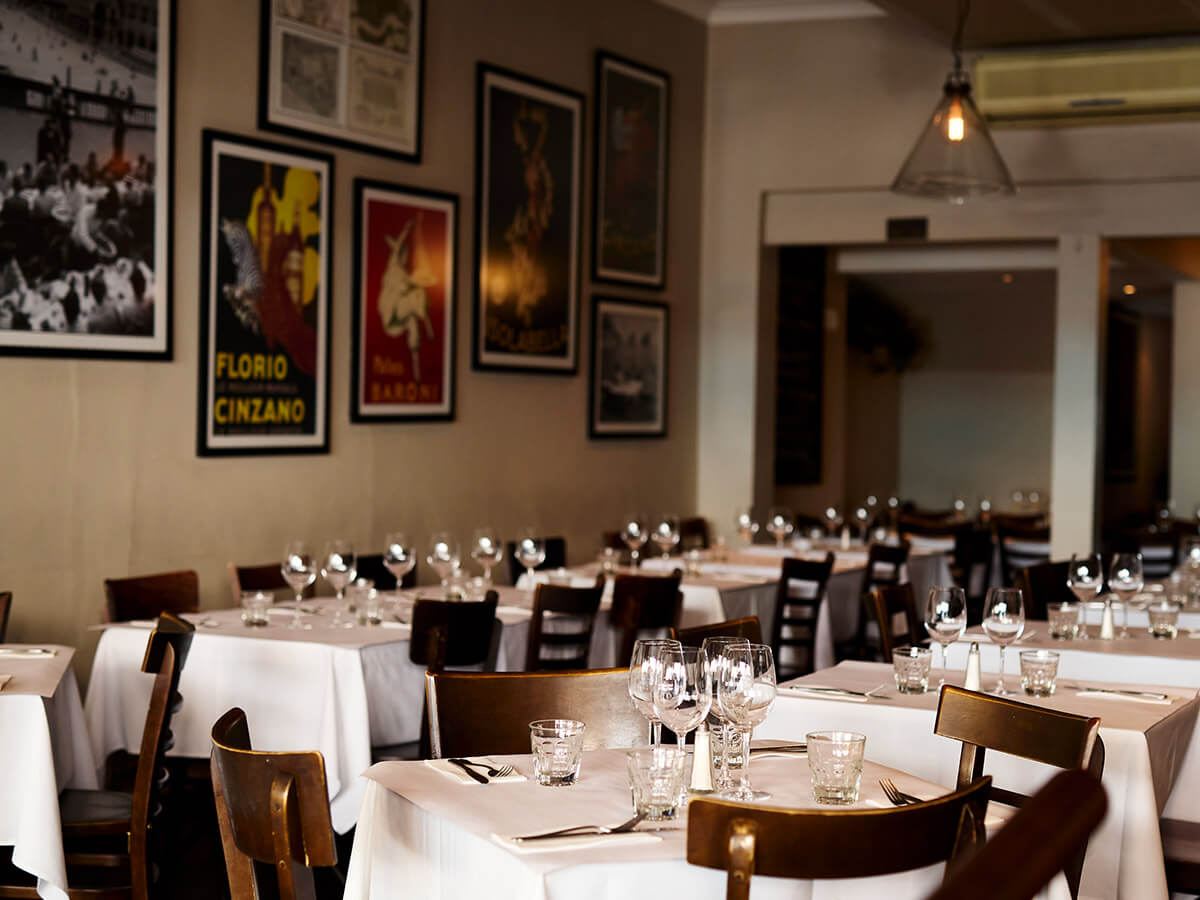
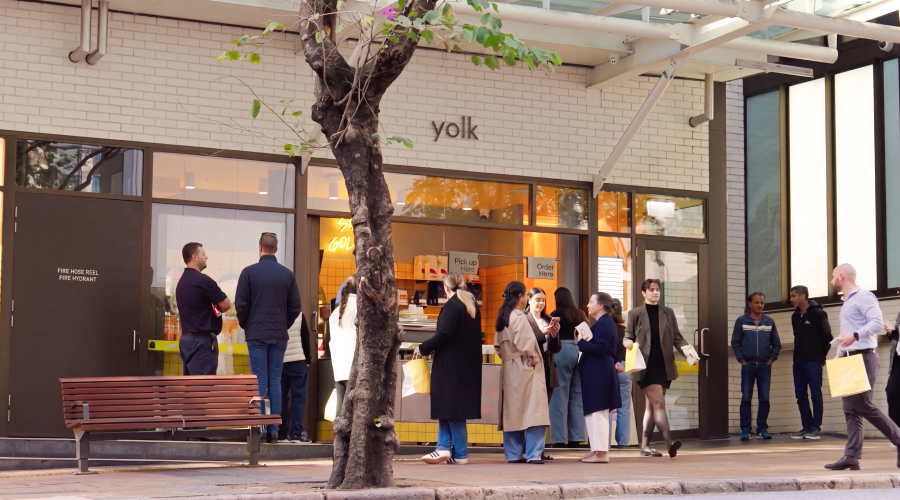
Background images at a custom height, to browse by venue type.
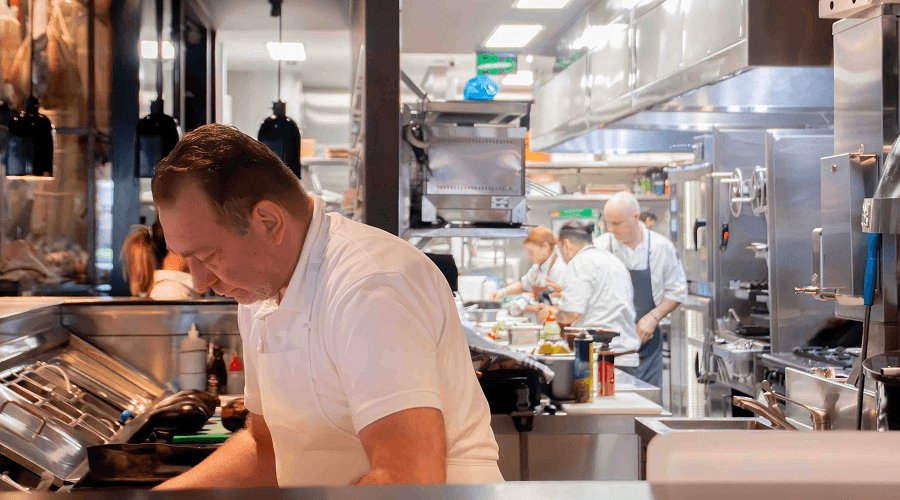
Fast service, faster payments.
From first pour to final payment.
Every table, every tab, handled.
Built for busy nights and big shifts.
Offset images, aligned right, to walk through products.
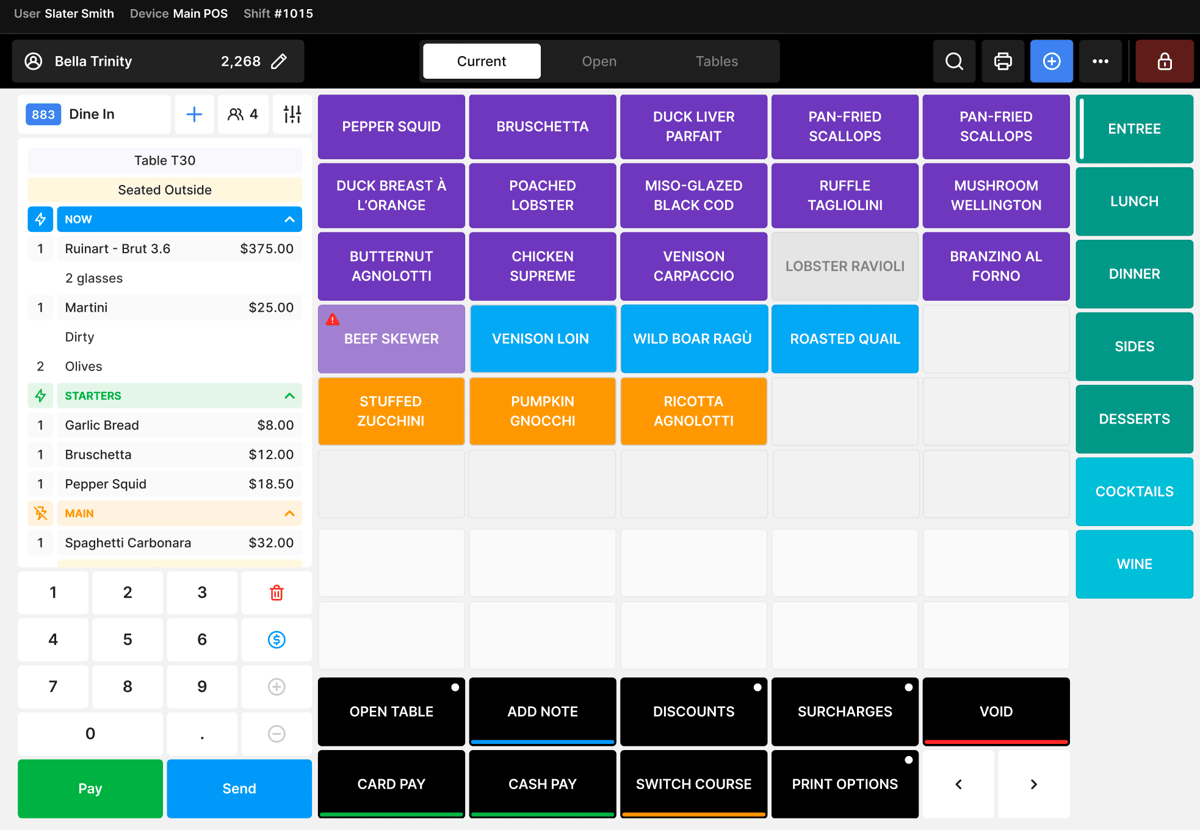
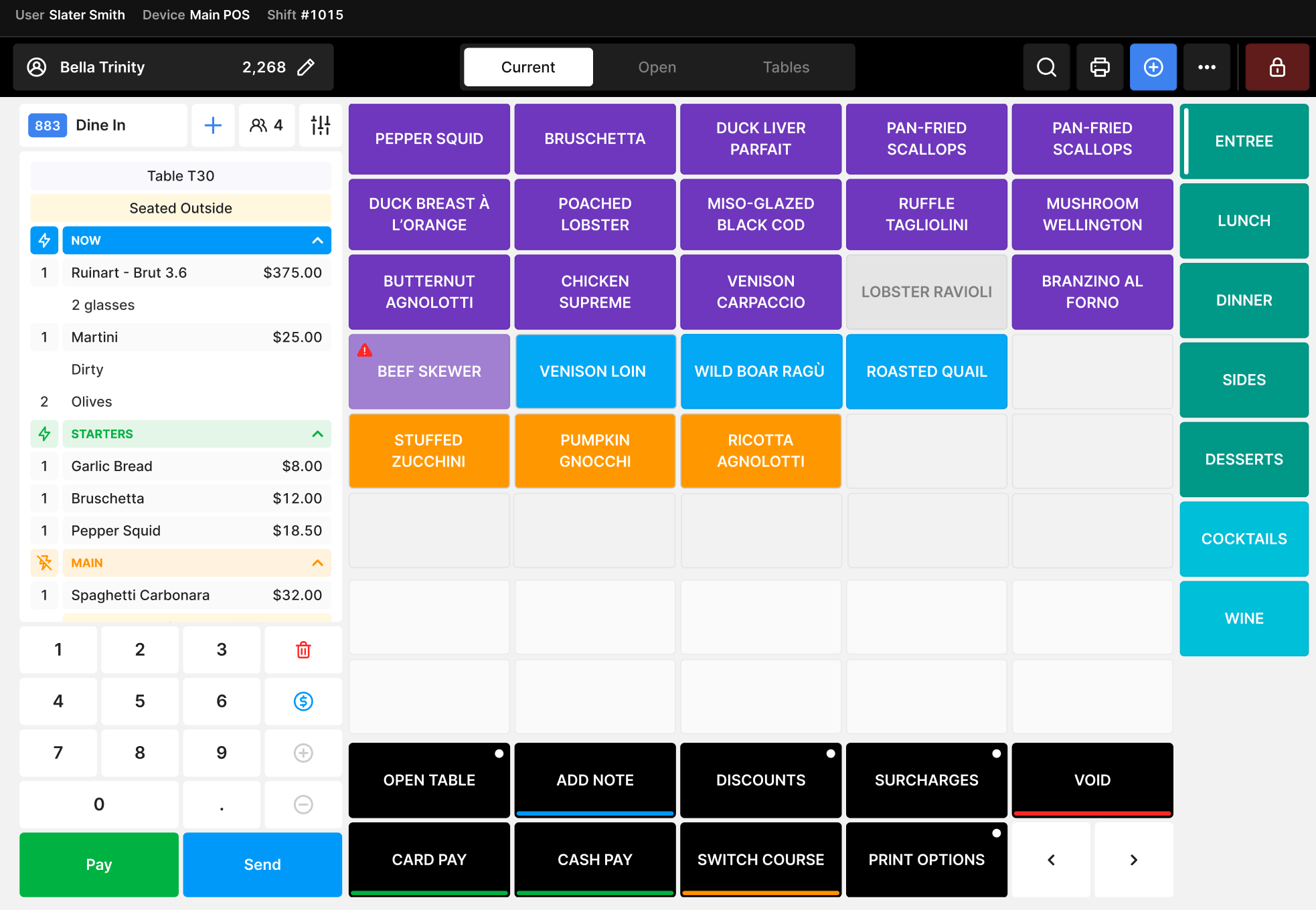
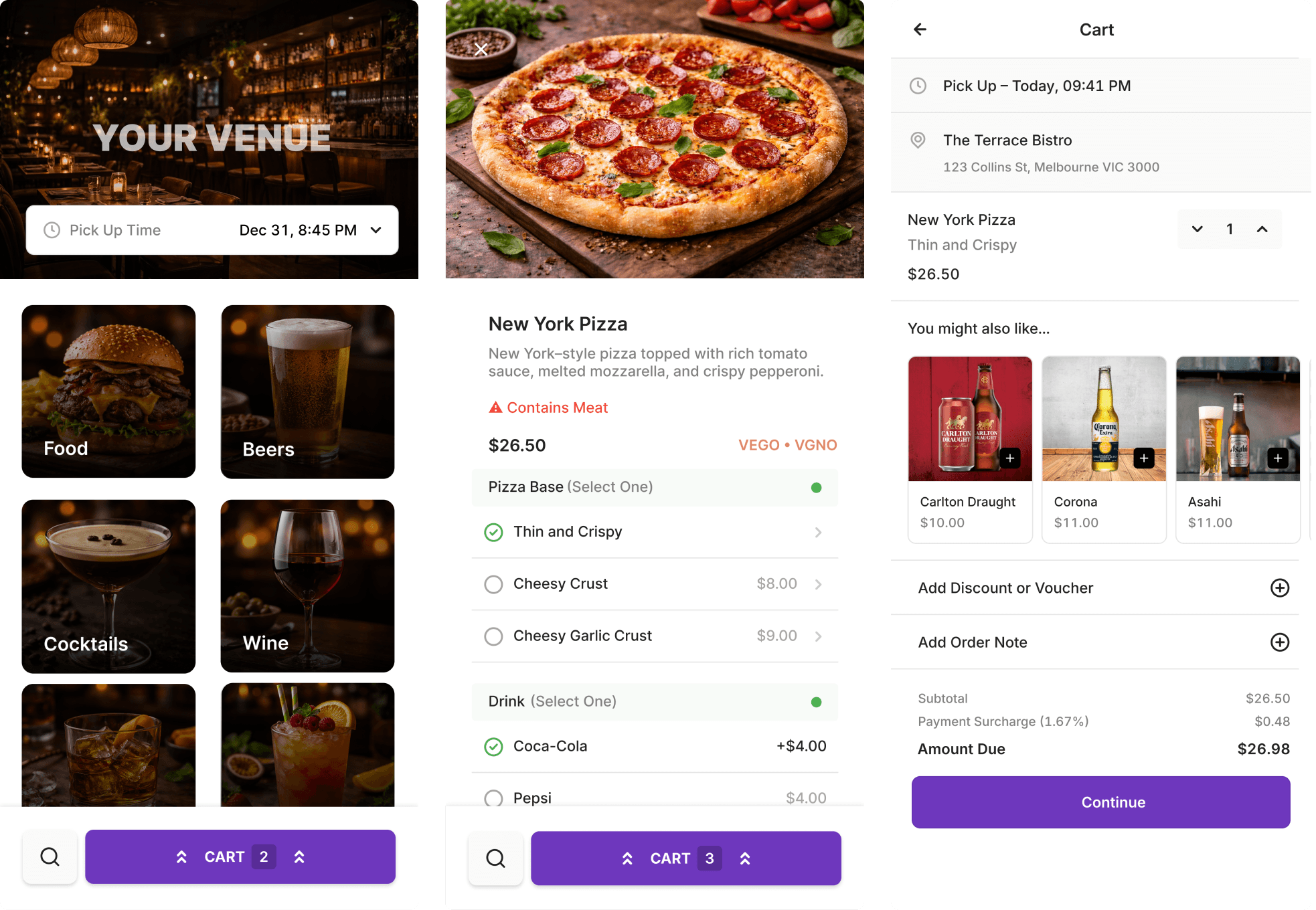
Take orders at the counter, at the table or on the go.
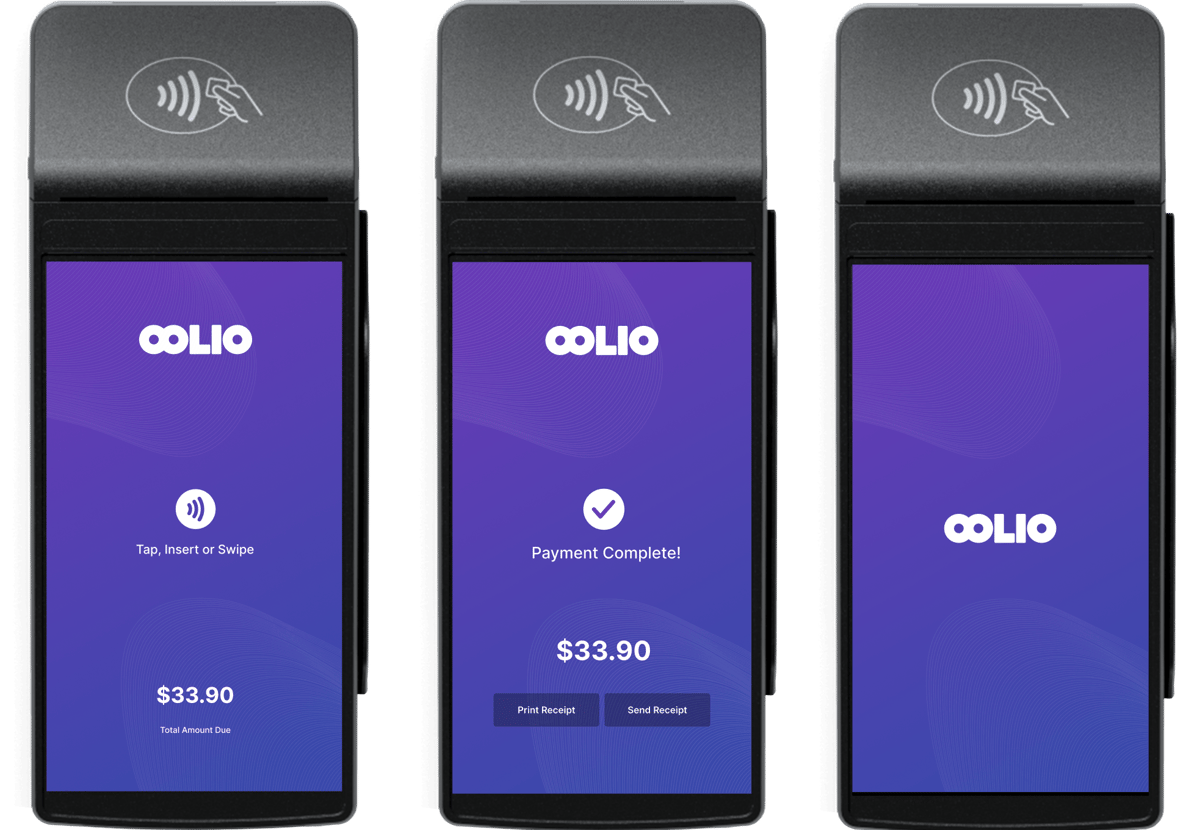
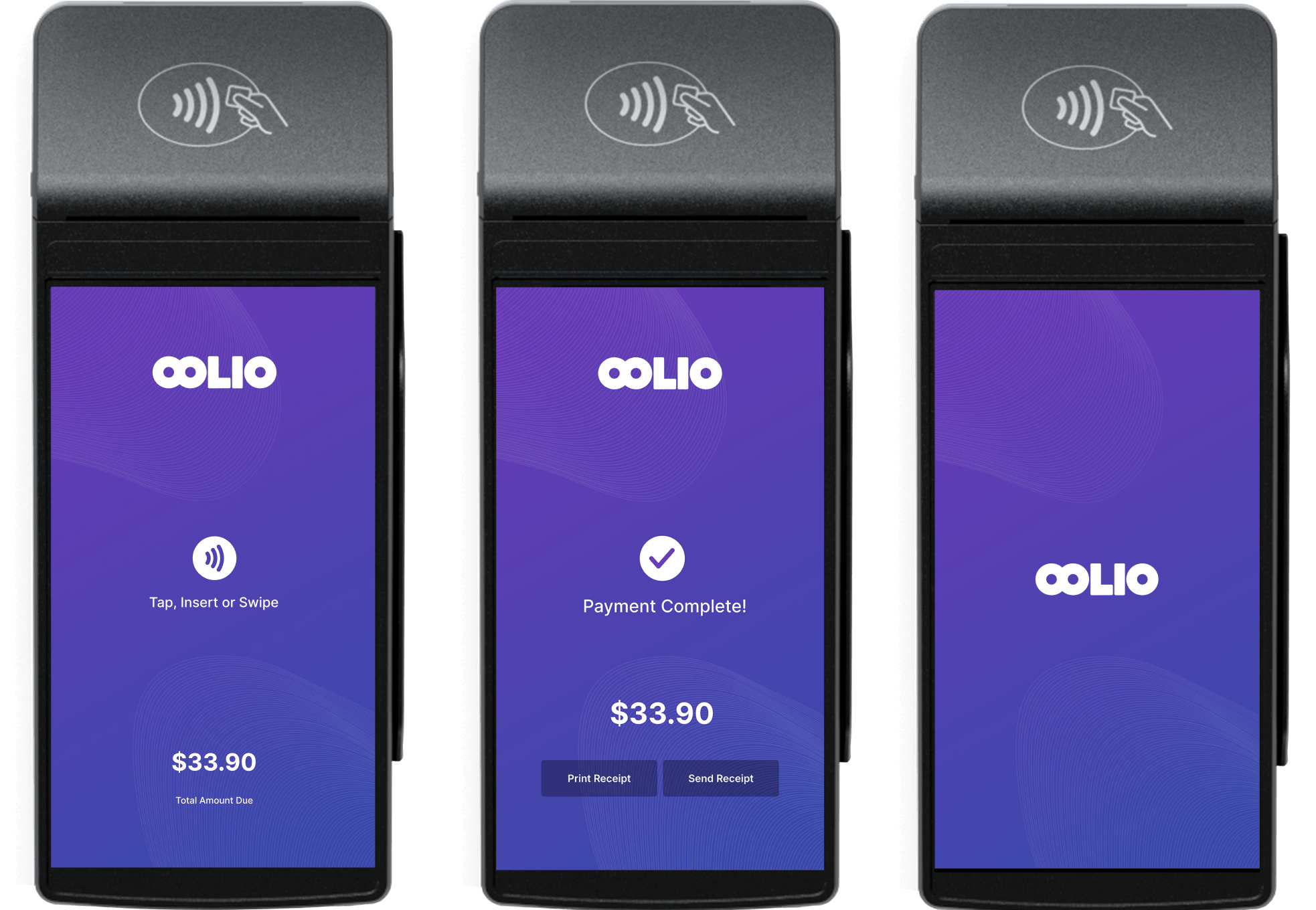
Payments built into your POS, so every sale lands in one place.
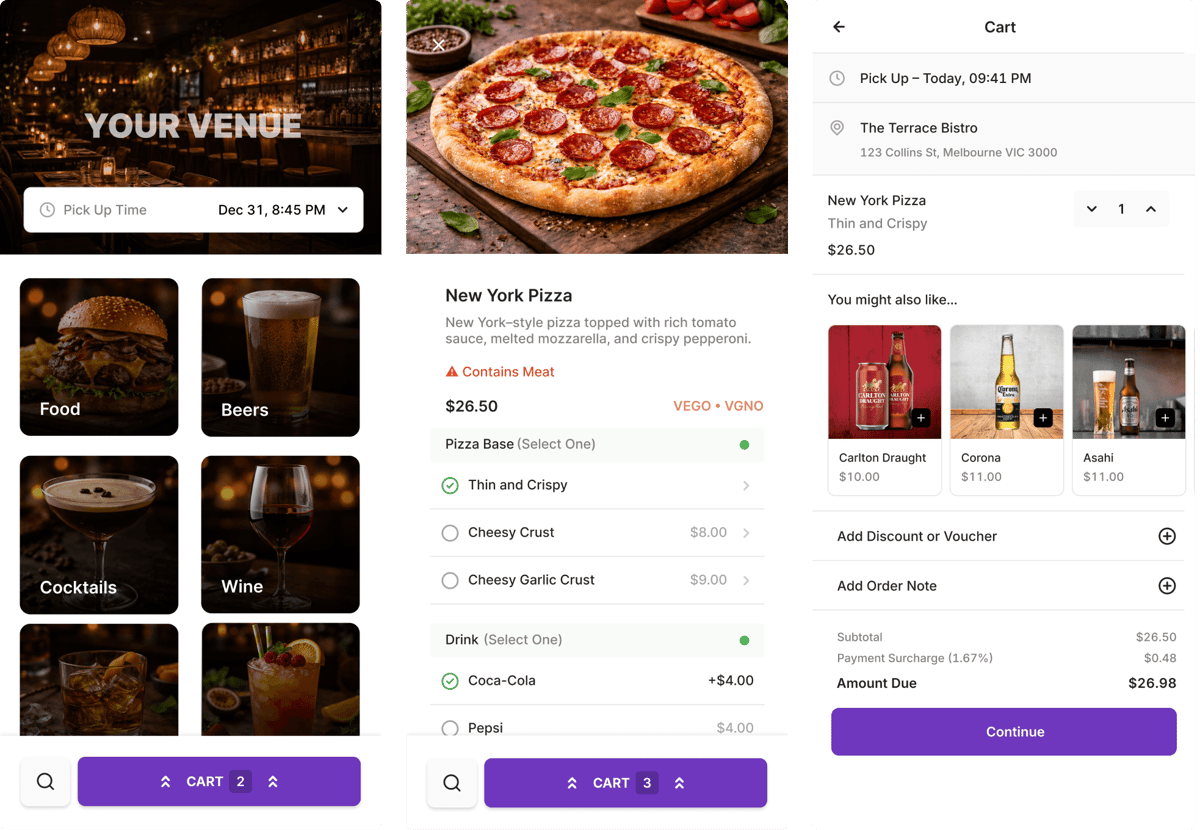
Take orders online and send them straight to the kitchen.
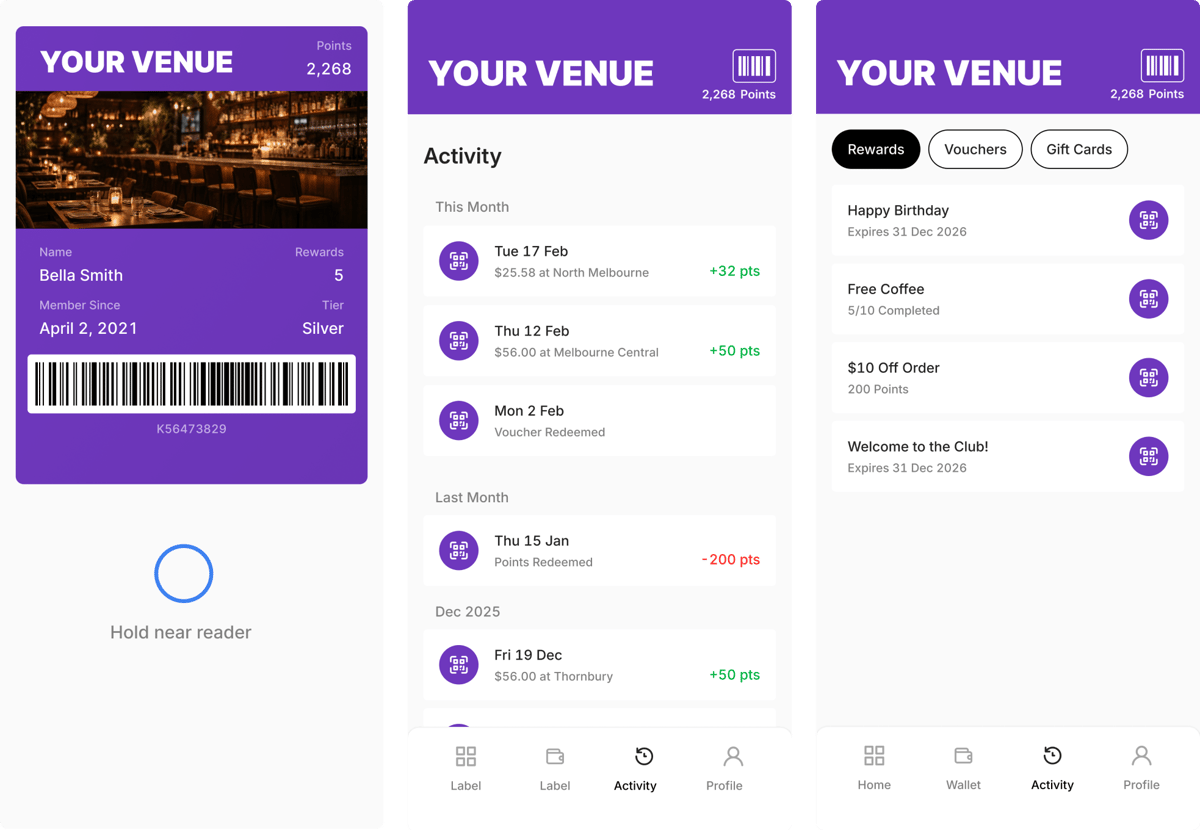
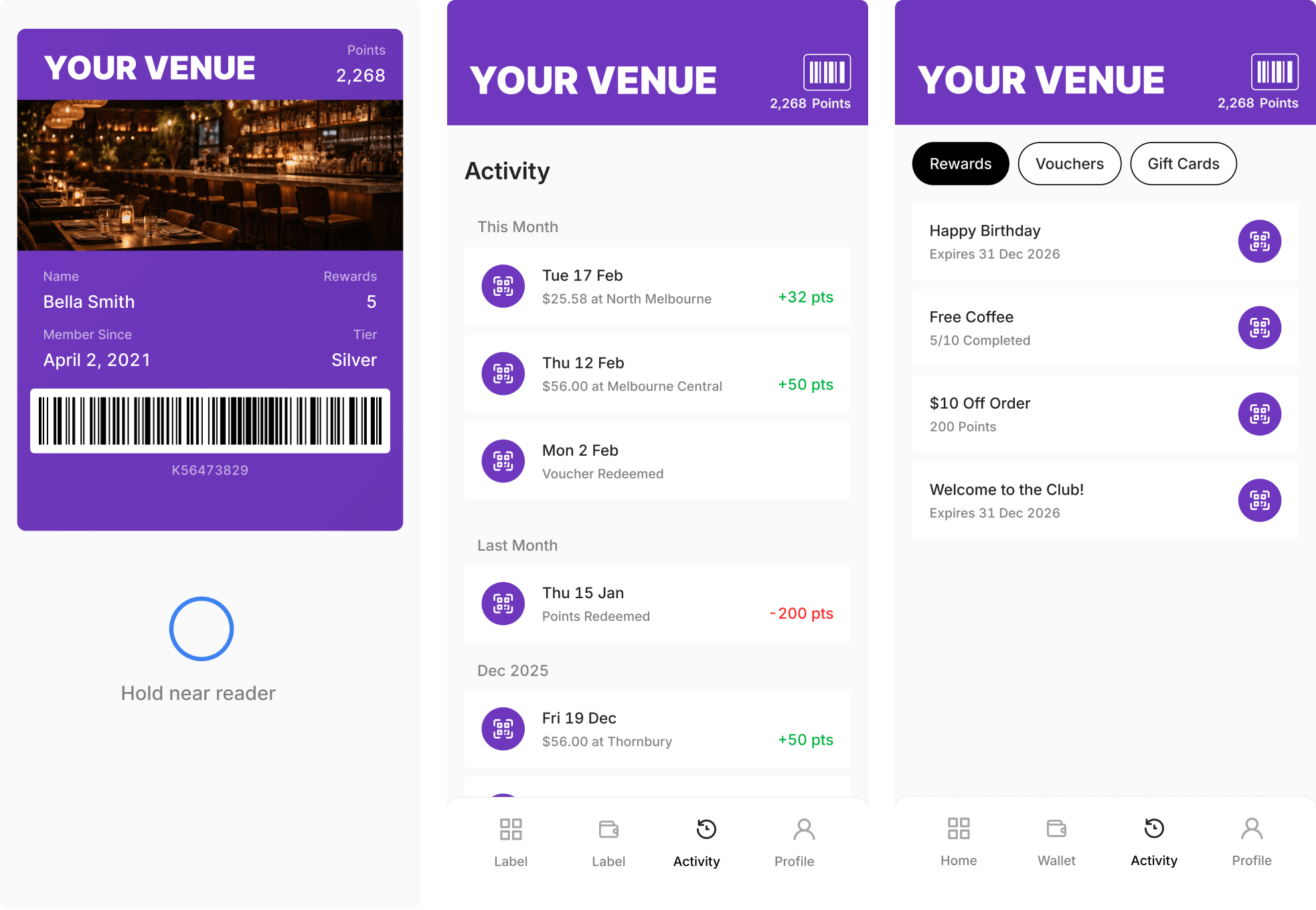
Points, rewards and offers that bring guests back.