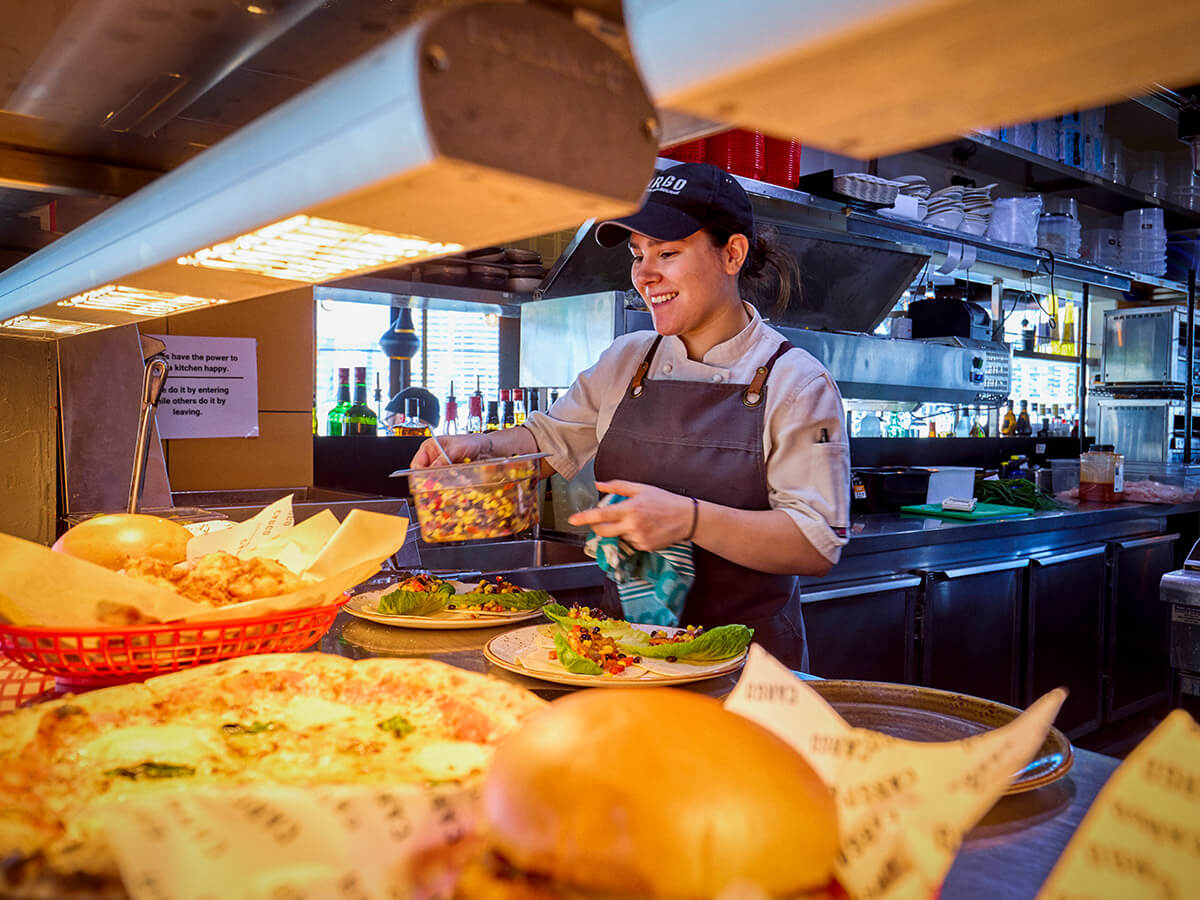
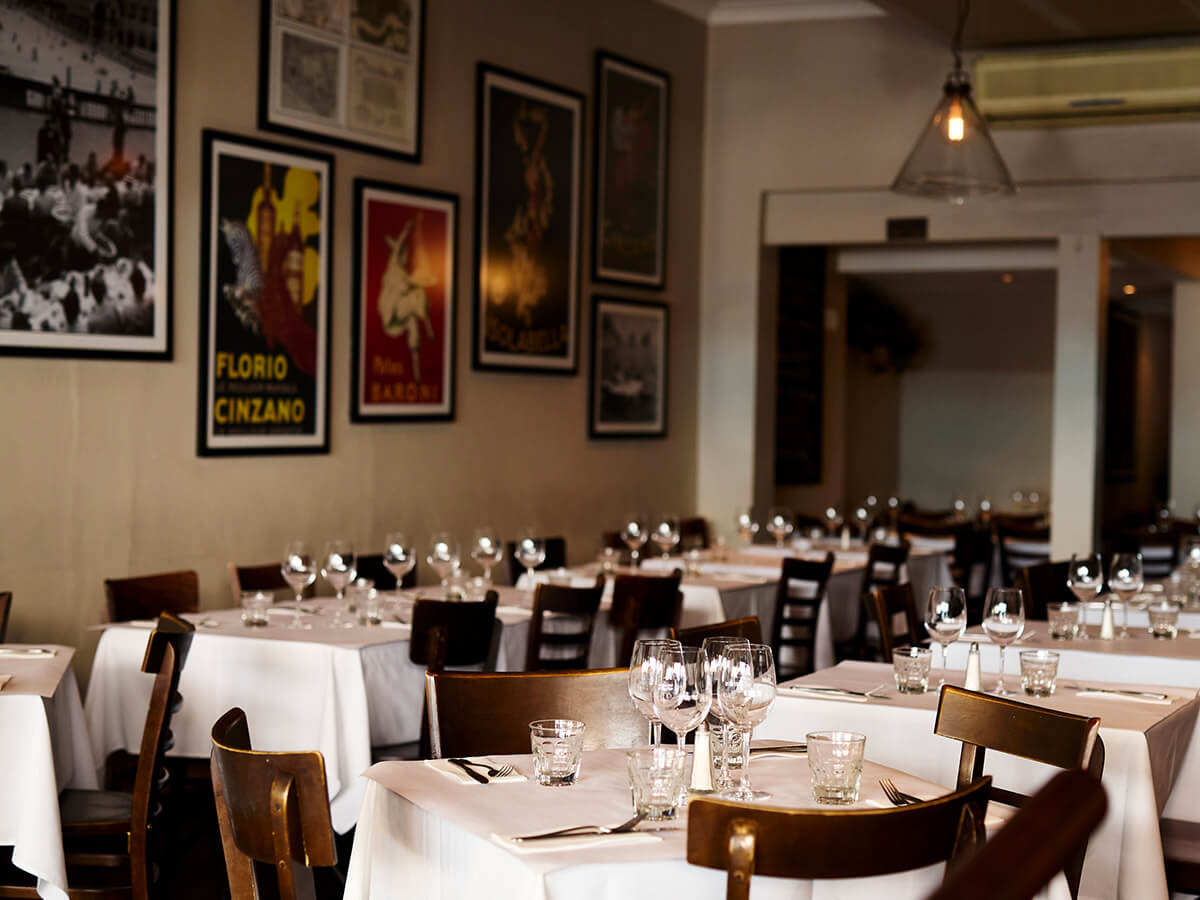
Carousel horizontal
This module is a full-screen carousel that holds the page while in view and scrolls sideways through its items.
Content options
- Tag: A short label above the heading. Optional.
- Body text: A heading and short intro beside the carousel.
- Buttons: Up to two. Optional.
- Carousel items: As many as you need. Each has a name and an optional link.
Design options
- Item style 1: Name only, with a background that changes on hover.
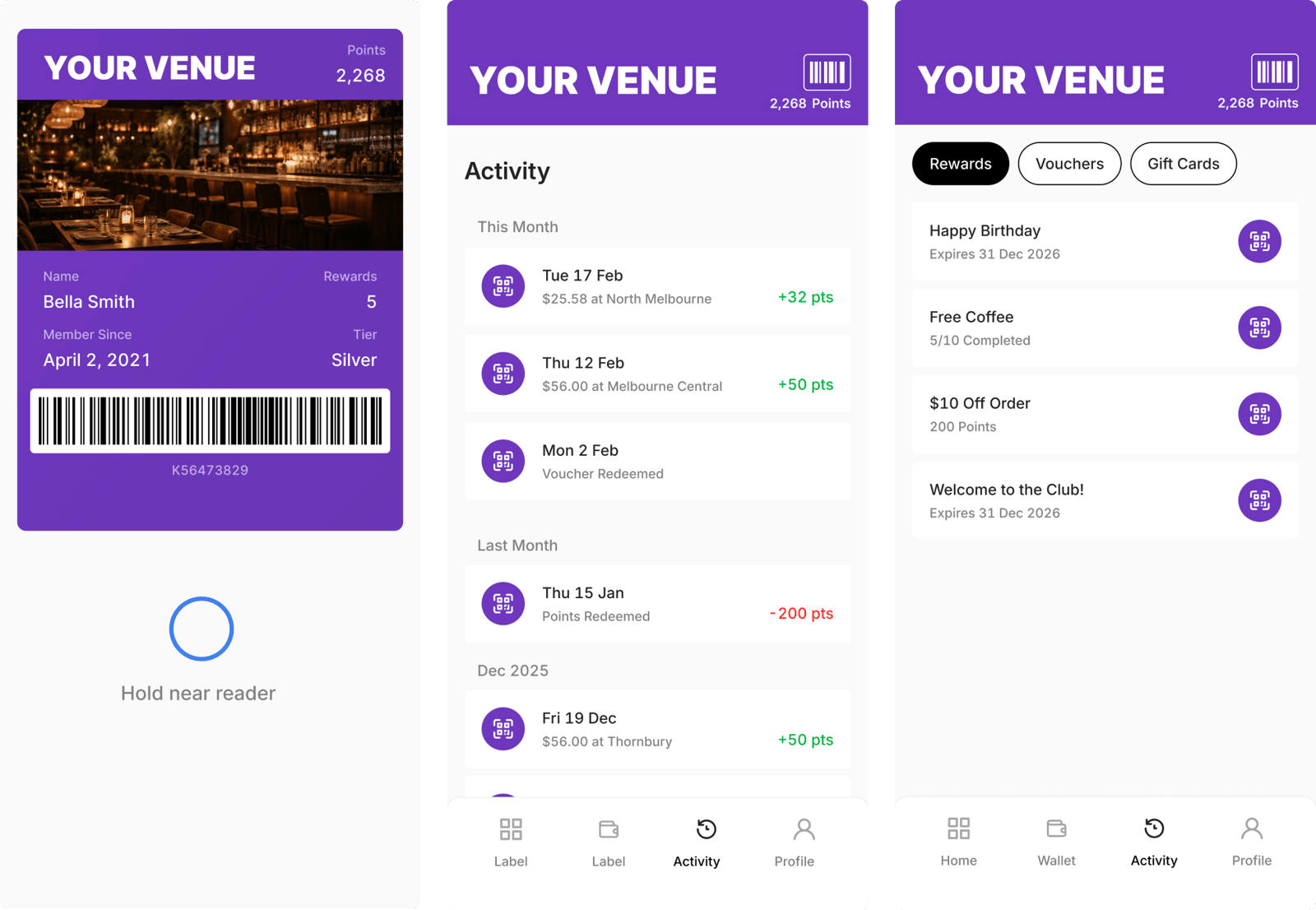
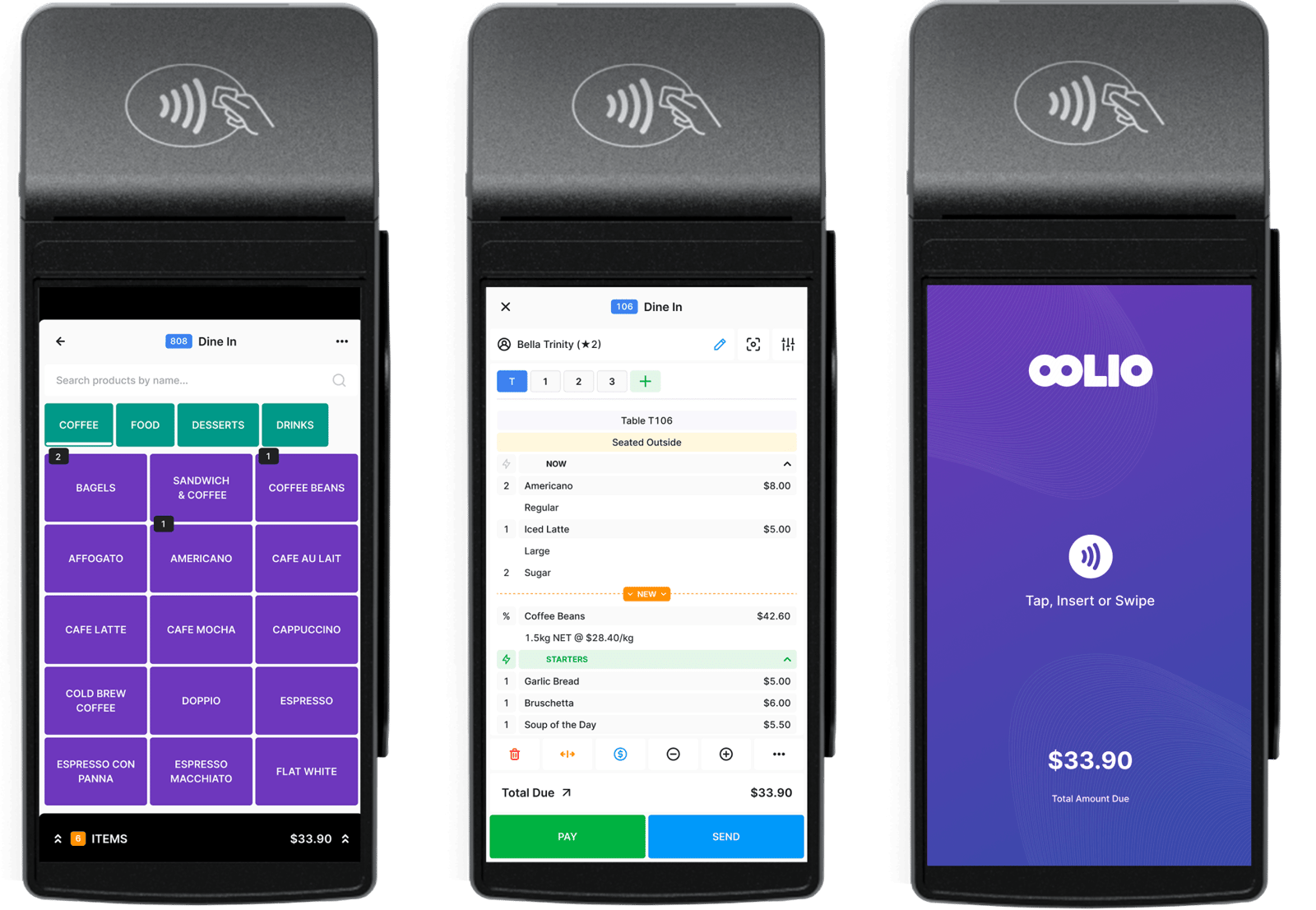
- Item style 2: Name with an image, such as a product screenshot.
- Item style 3: Name only.
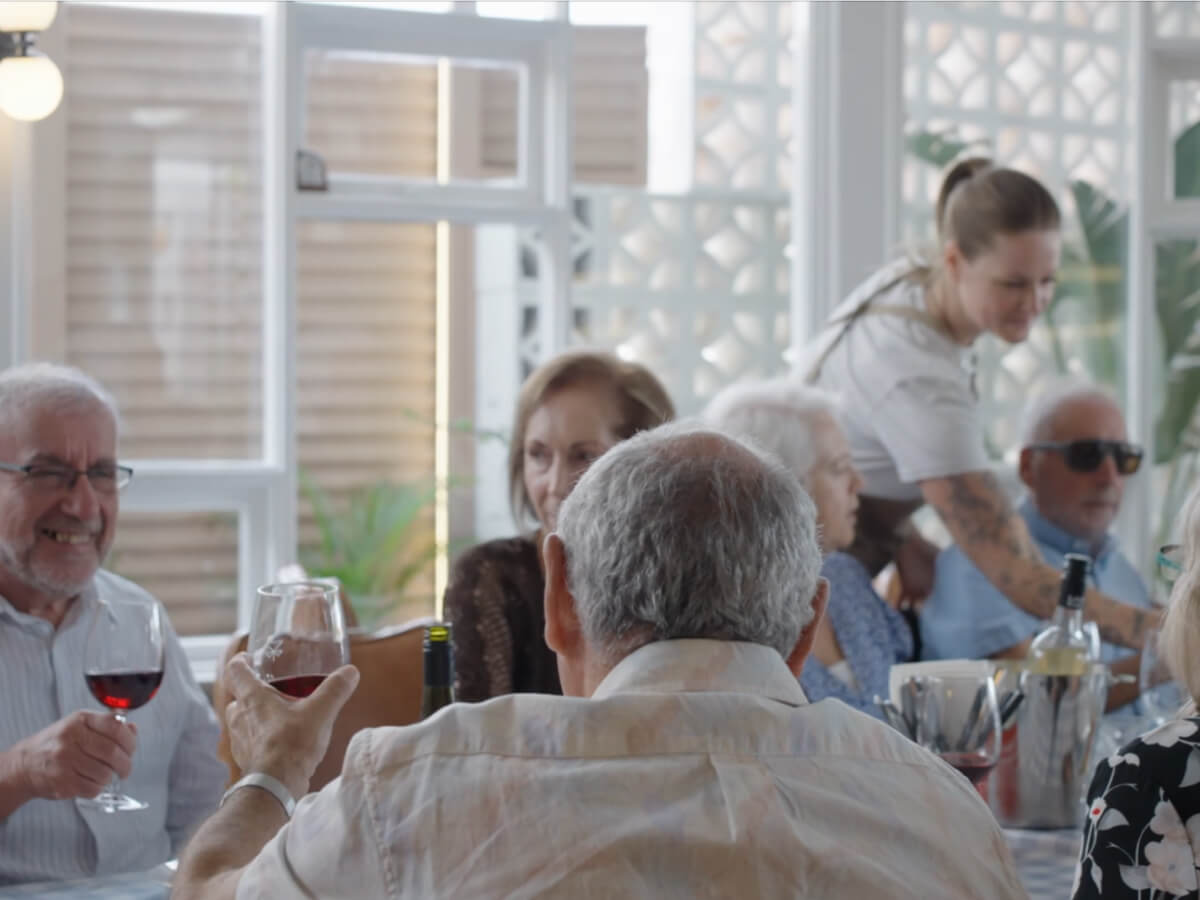
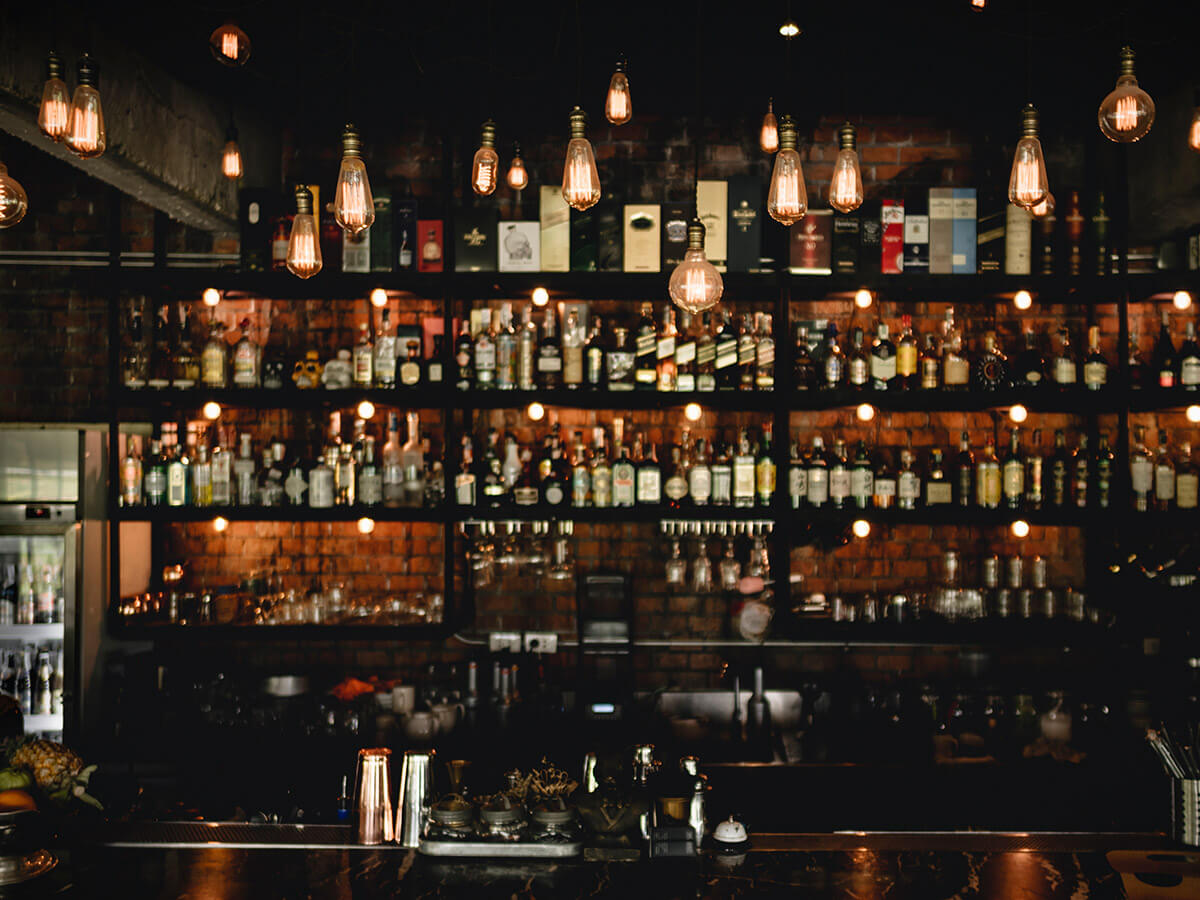
- Item background: A brand gradient or a background image for each item.
- Button styles: A style for the first and second button.
Recommendations
- Do use it for a set of related items visitors will want to browse, like products or venue types.
- Don't use more than one on a page. It holds the page while visitors scroll through.
Examples
Carousel horizontal module with defaults.
Carousel horizontal module
This module is a full-screen carousel that locks the page scroll while in view, shifting to a horizontal scroll through carousel items. Each item includes a name, description, and link, with various style options available. Use it to guide the reader through a structured set of content in a focused, immersive way.
Carousel Item 1
Carousel Item 2
Carousel Item 3
Carousel Item 4
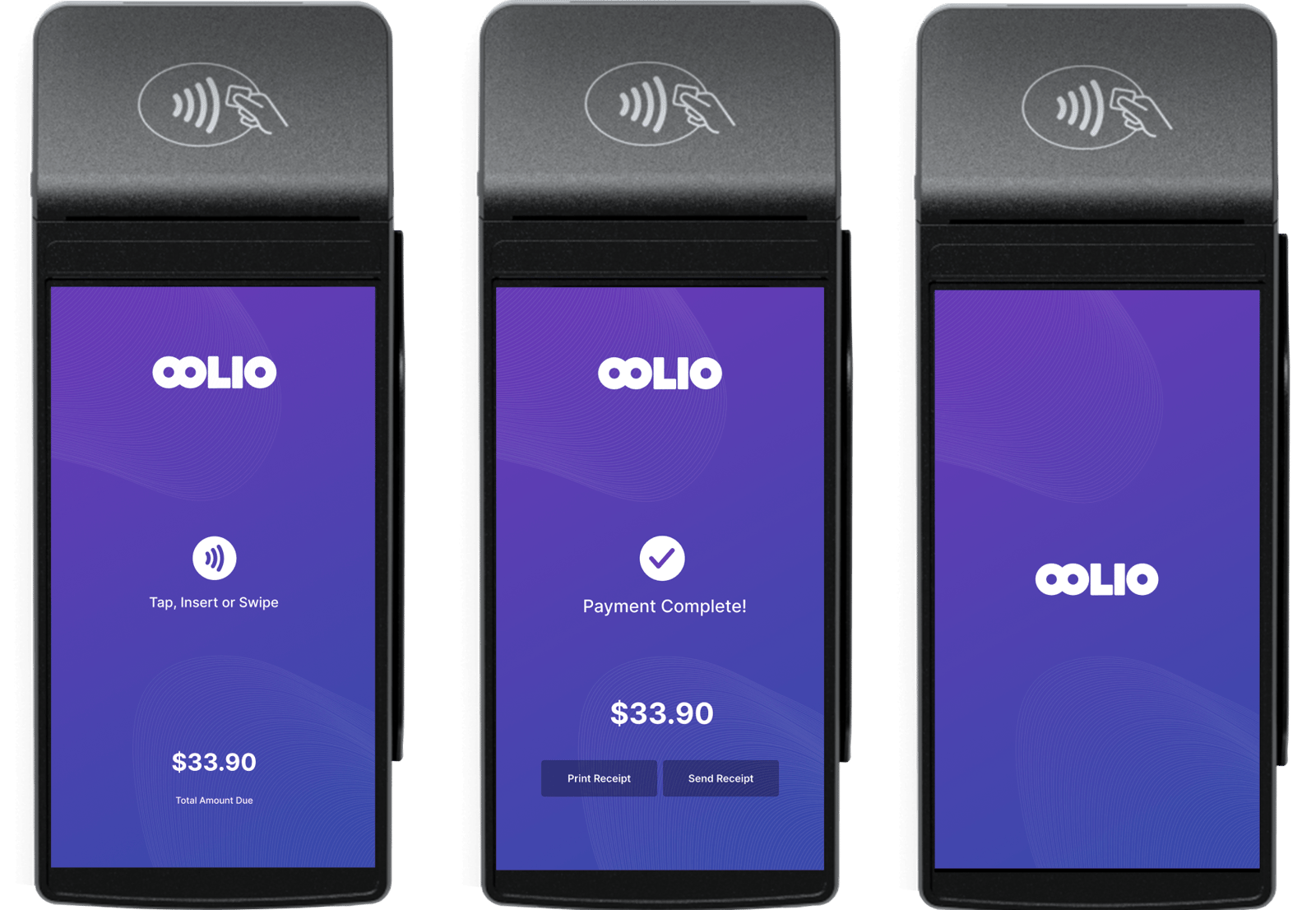
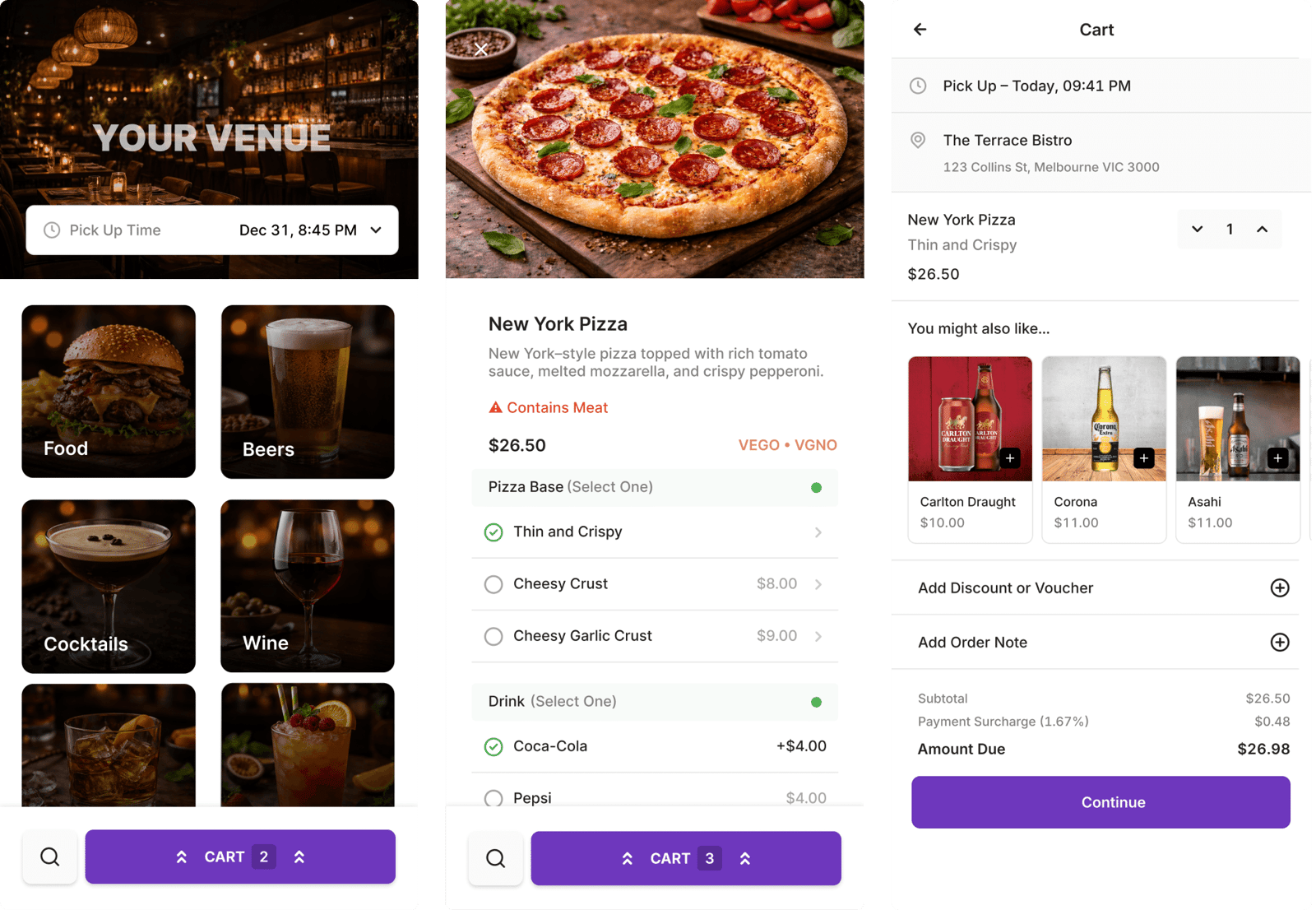
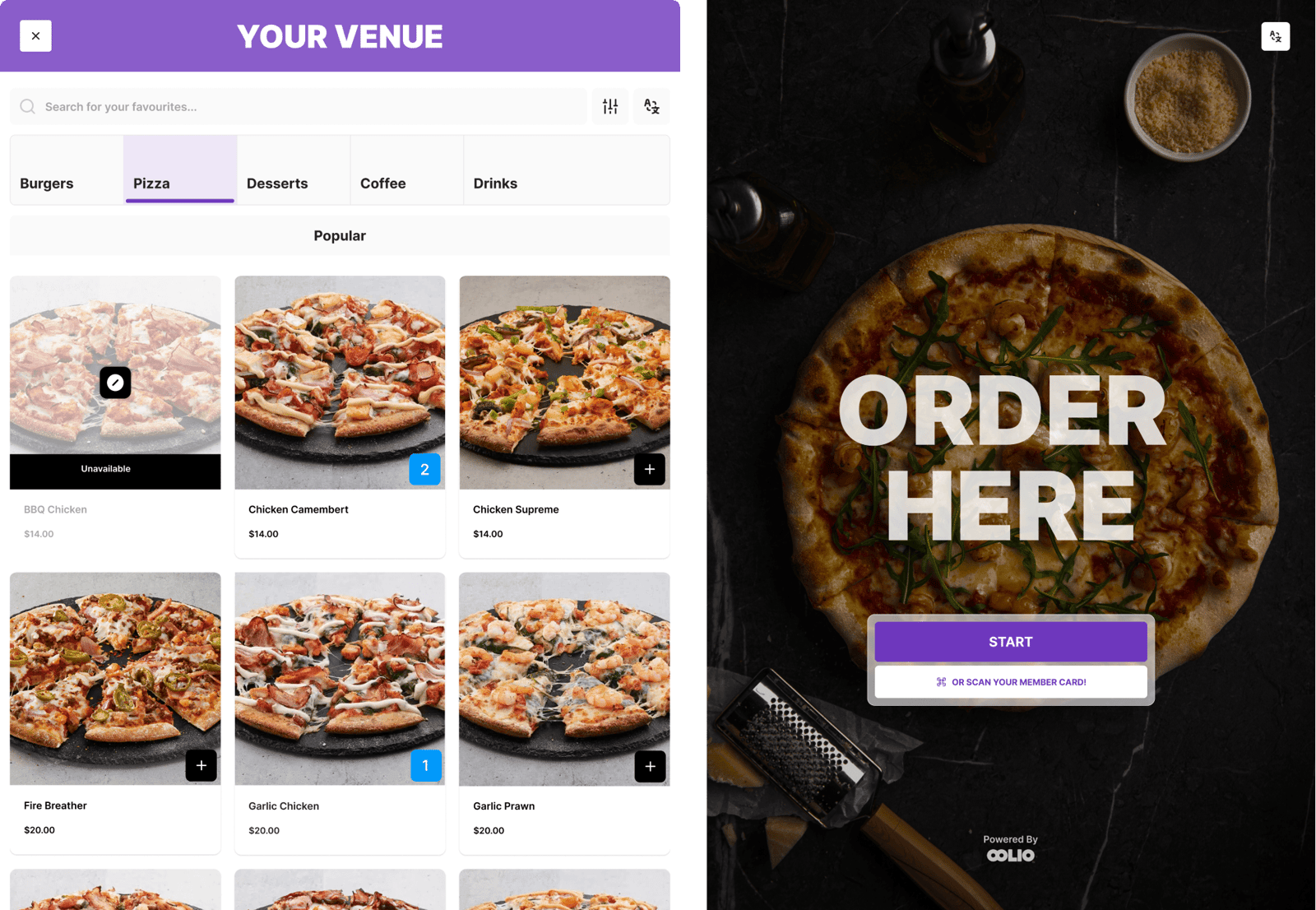
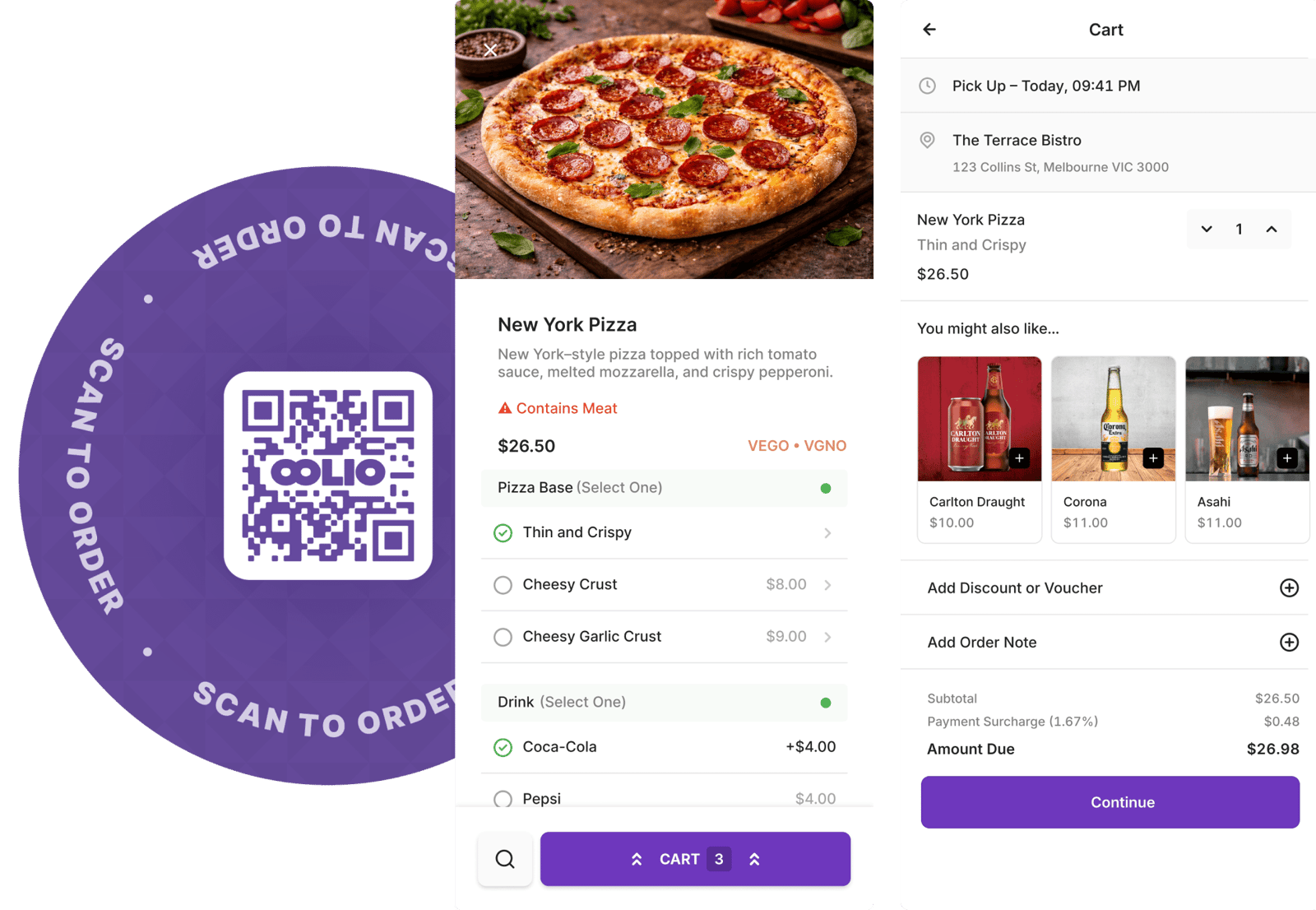
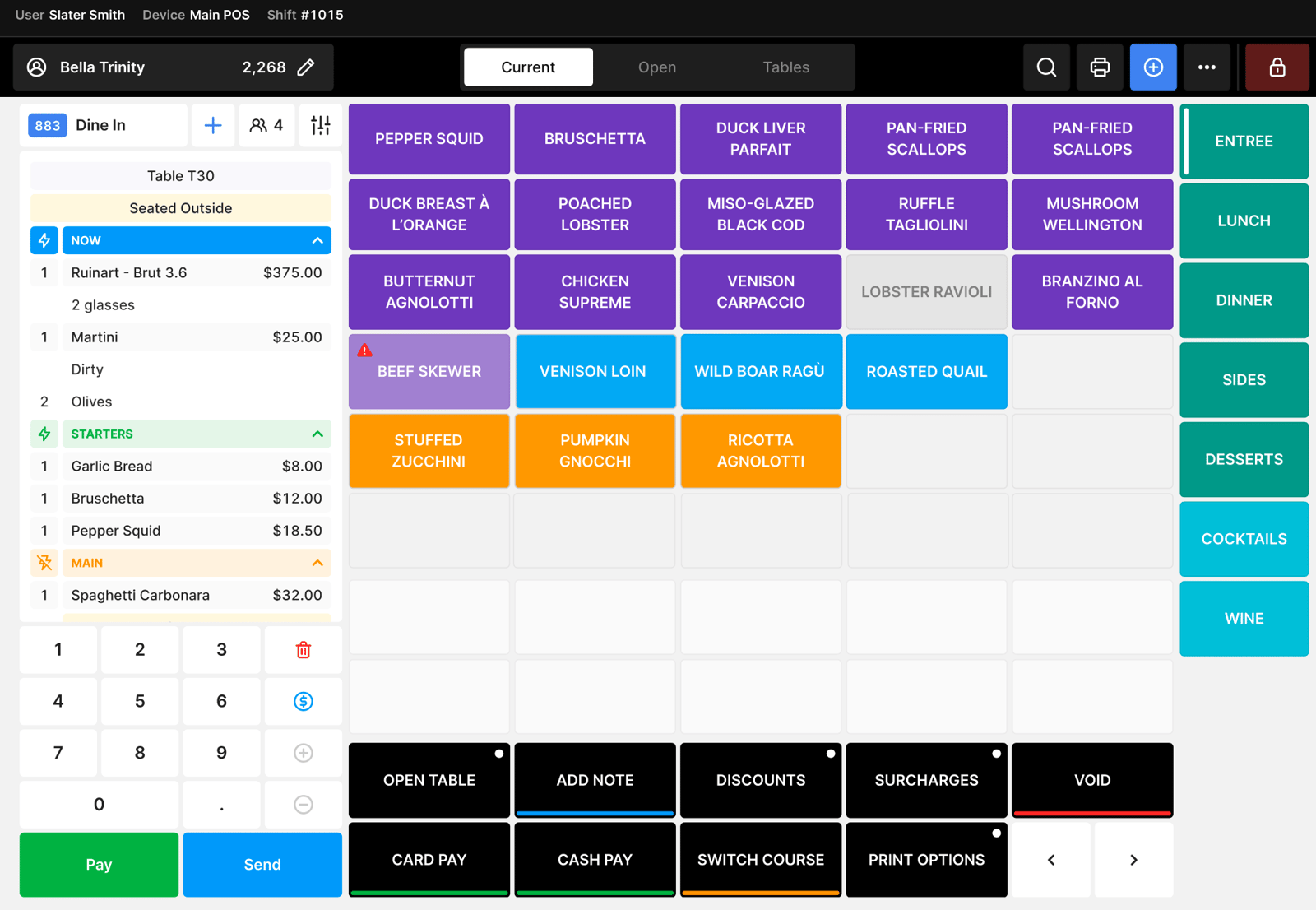
Item style 2, with product images on brand gradients.
Products
POS to payments, covered
One system for every part of your venue.
Item style 1, with background photos, links and a different colour on hover.
Who we serve
Built for every kind of venue
No two venues are the same. Find the setup that fits yours.