Carousel vertical
This module is a full-screen carousel that holds the page while in view and scrolls up through its items.
Content options
- Tag: A short label above the heading. Optional.
- Body text: A heading and short intro beside the carousel.
- Buttons: Up to two. Optional.
- Carousel items: As many as you need. Each has a name, a description and an optional link.
Design options
- Item style 1: Name at the bottom. The description shows on hover, over a new background.
- Item style 2: Name and a one-line description above an image, such as a product screenshot.
- Item style 3: Name and the full description. The item grows to fit on smaller screens.
- Item background: A brand gradient or a background image for each item.
- Button styles: A style for the first and second button.
Recommendations
- Do use item style 3 when the description matters. It's the only style that shows it in full on phones.
- Don't use it on the same page as Carousel horizontal. Two carousels that hold the page feel slow.
Examples
Carousel vertical module with defaults.
Carousel vertical module
This module is a full-screen carousel that locks the page scroll while in view, shifting to a vertical scroll through carousel items. Each item includes a name, description, and link, with various style options available. Use it to guide the reader through a structured set of content in a focused, immersive way.
Carousel Item 1
Carousel Item 2
Carousel Item 3
Carousel Item 4
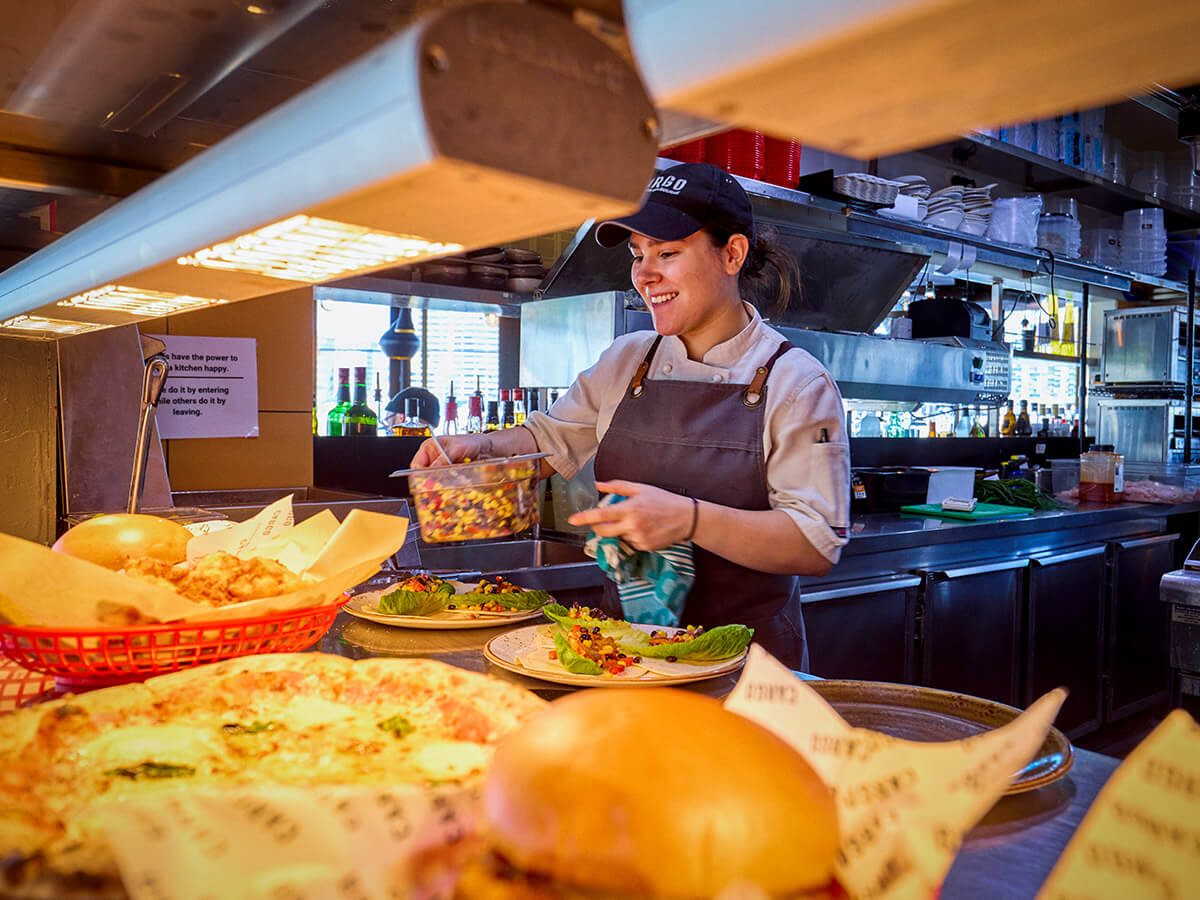
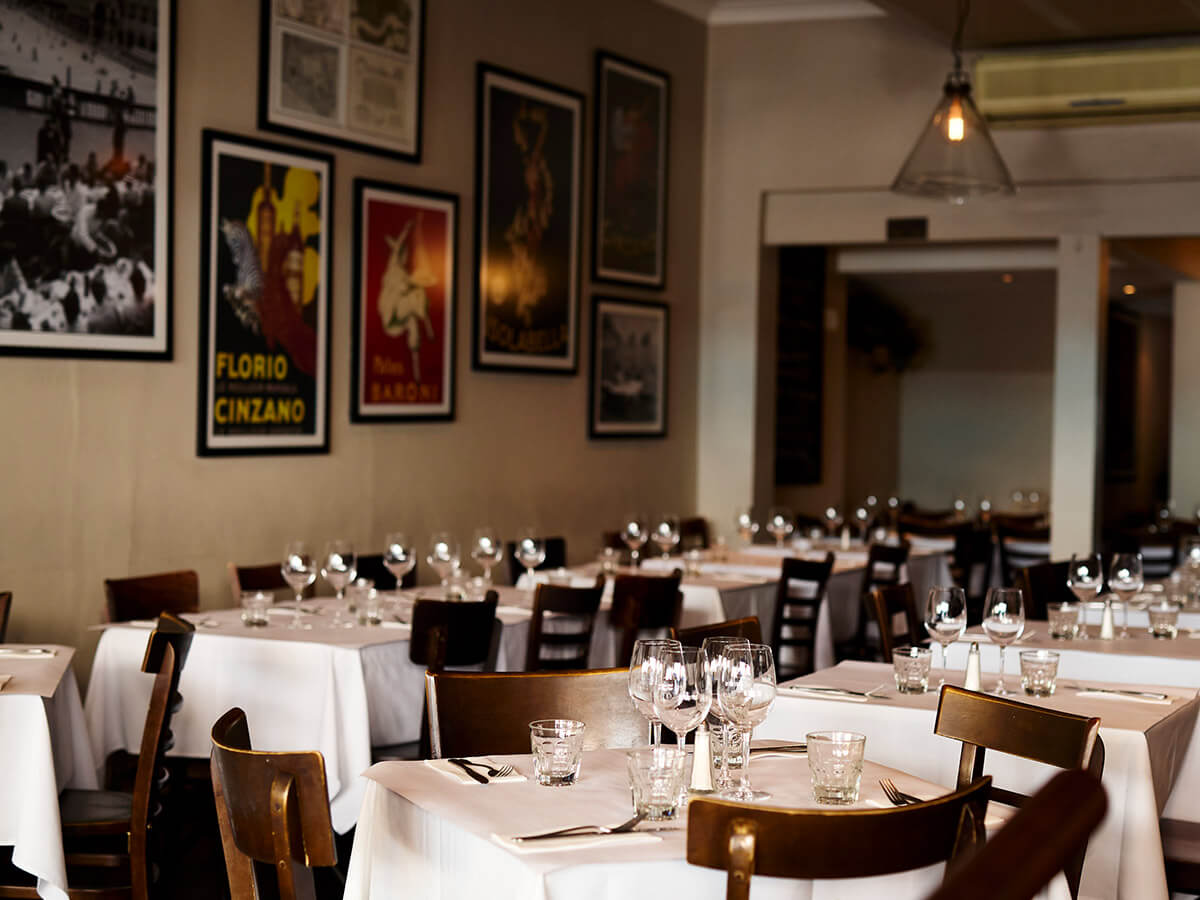
Item style 1, with background photos and the description on hover.
Built for every kind of venue
No two venues are the same. Find the setup that fits yours.

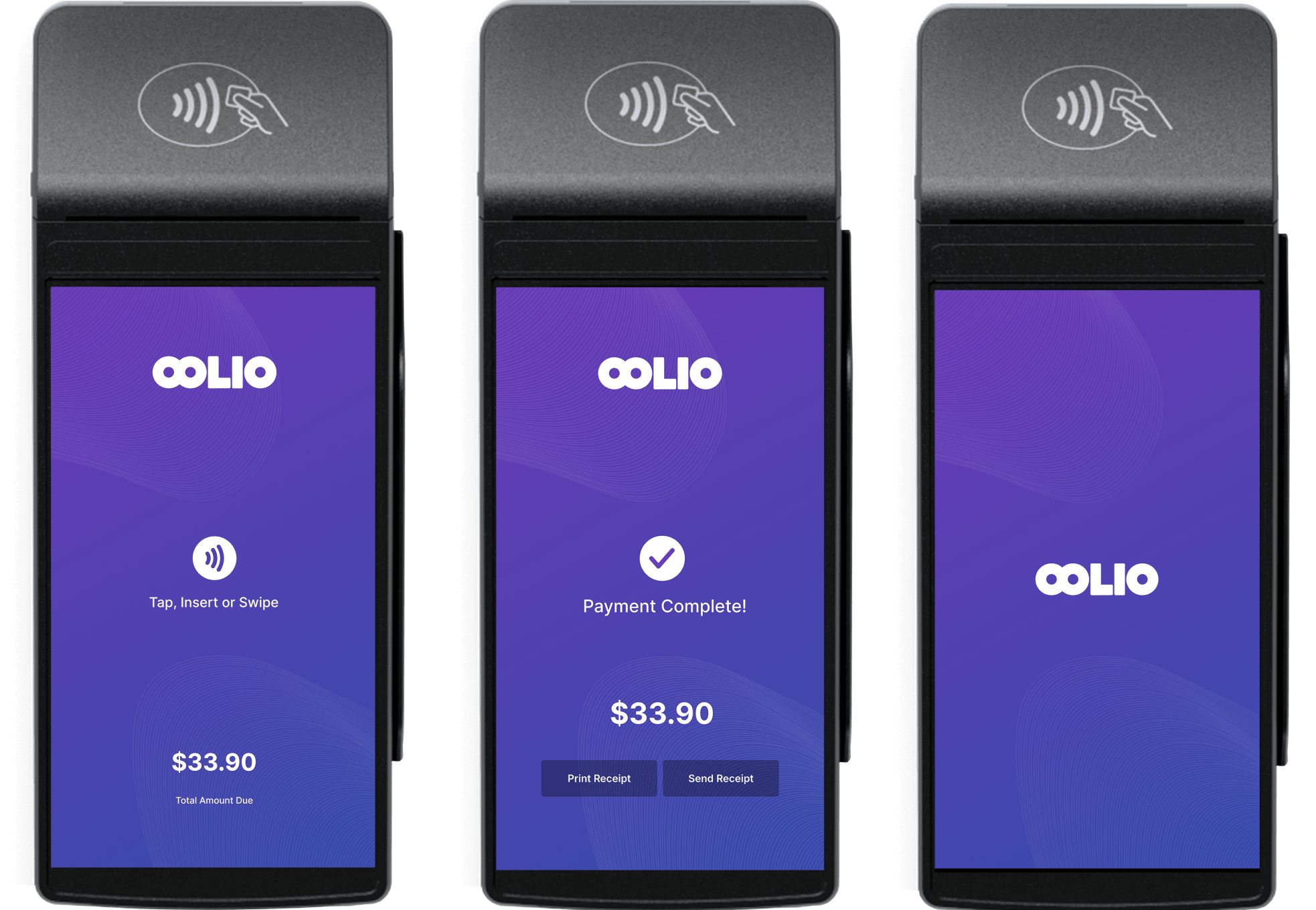
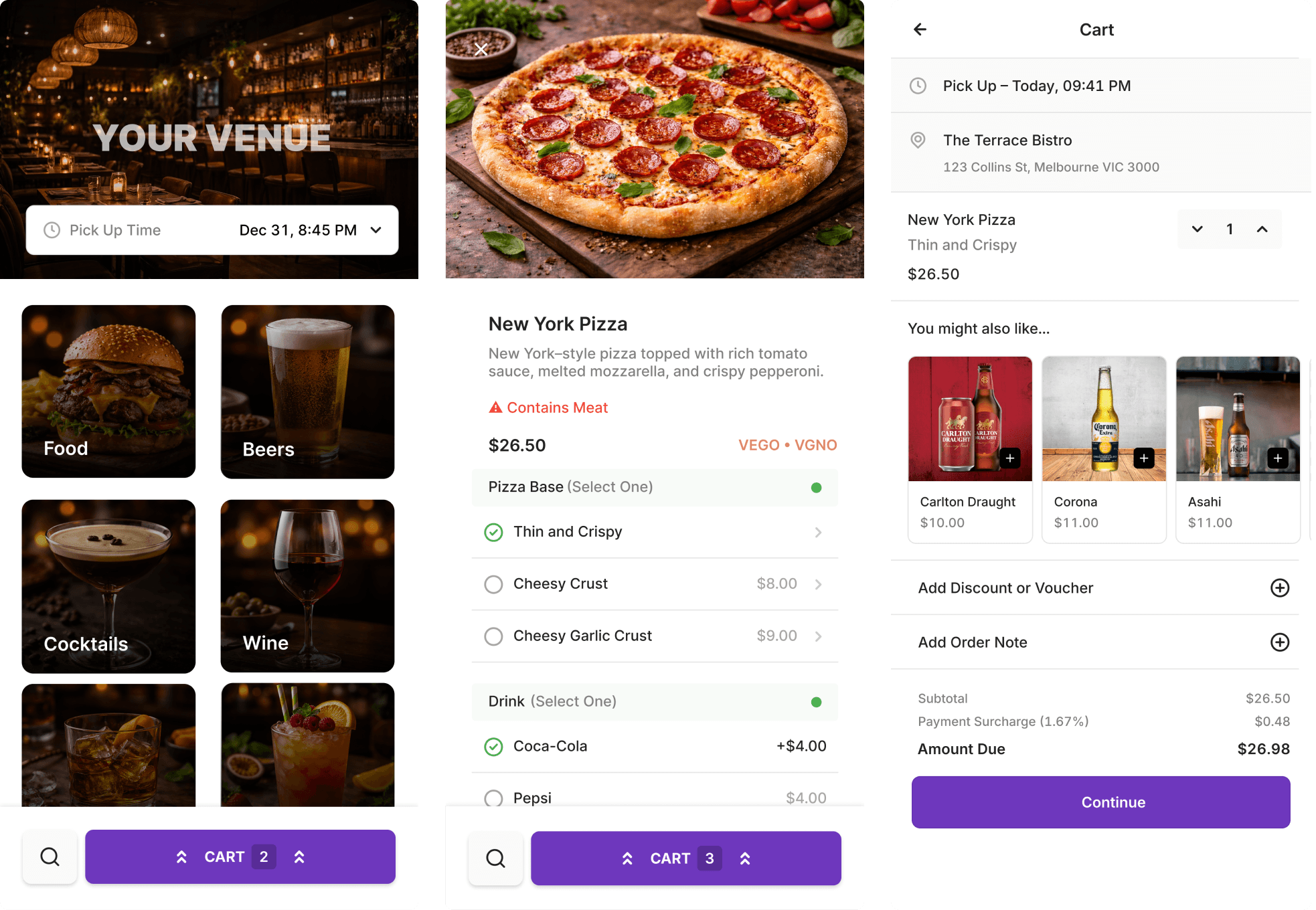
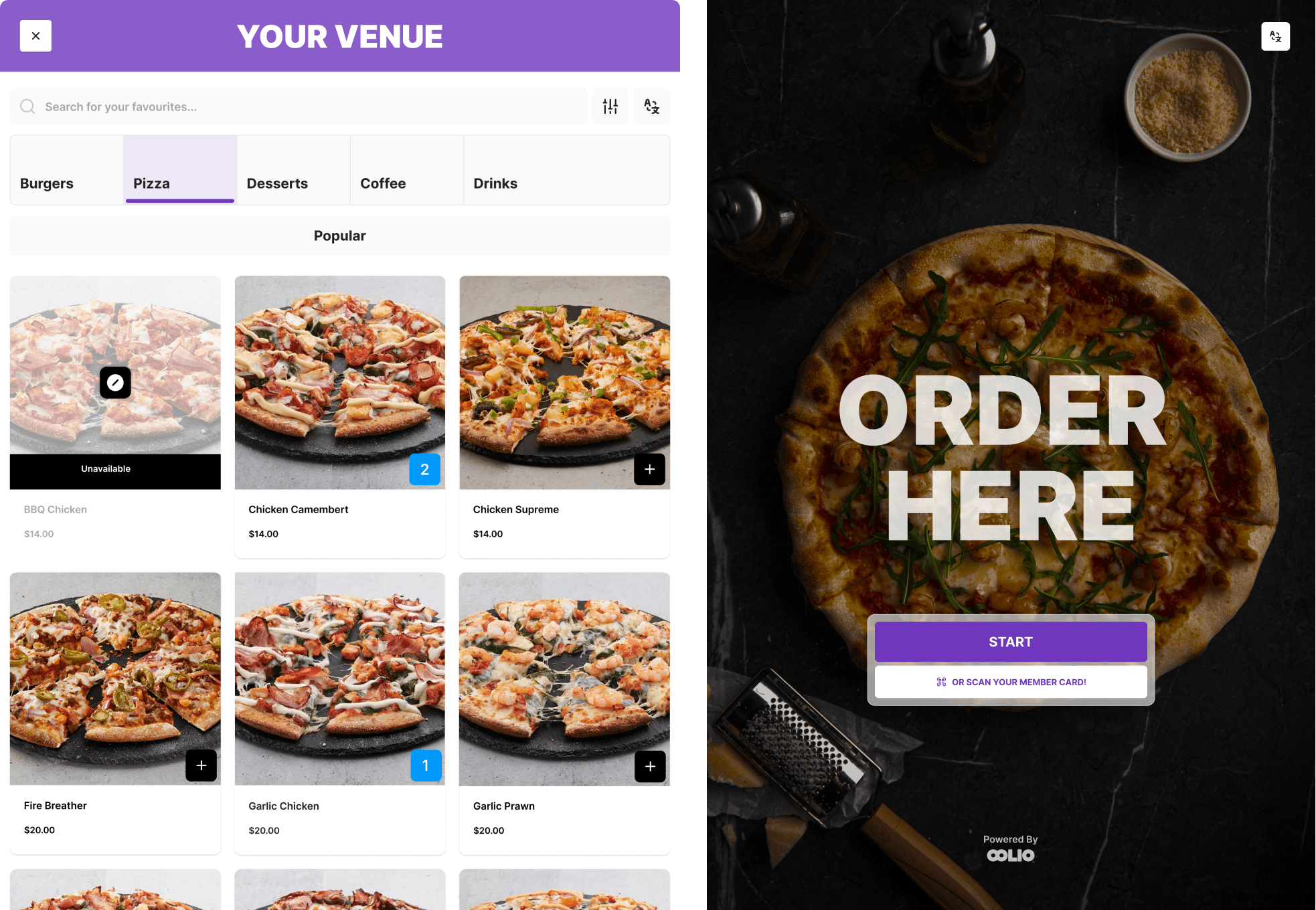
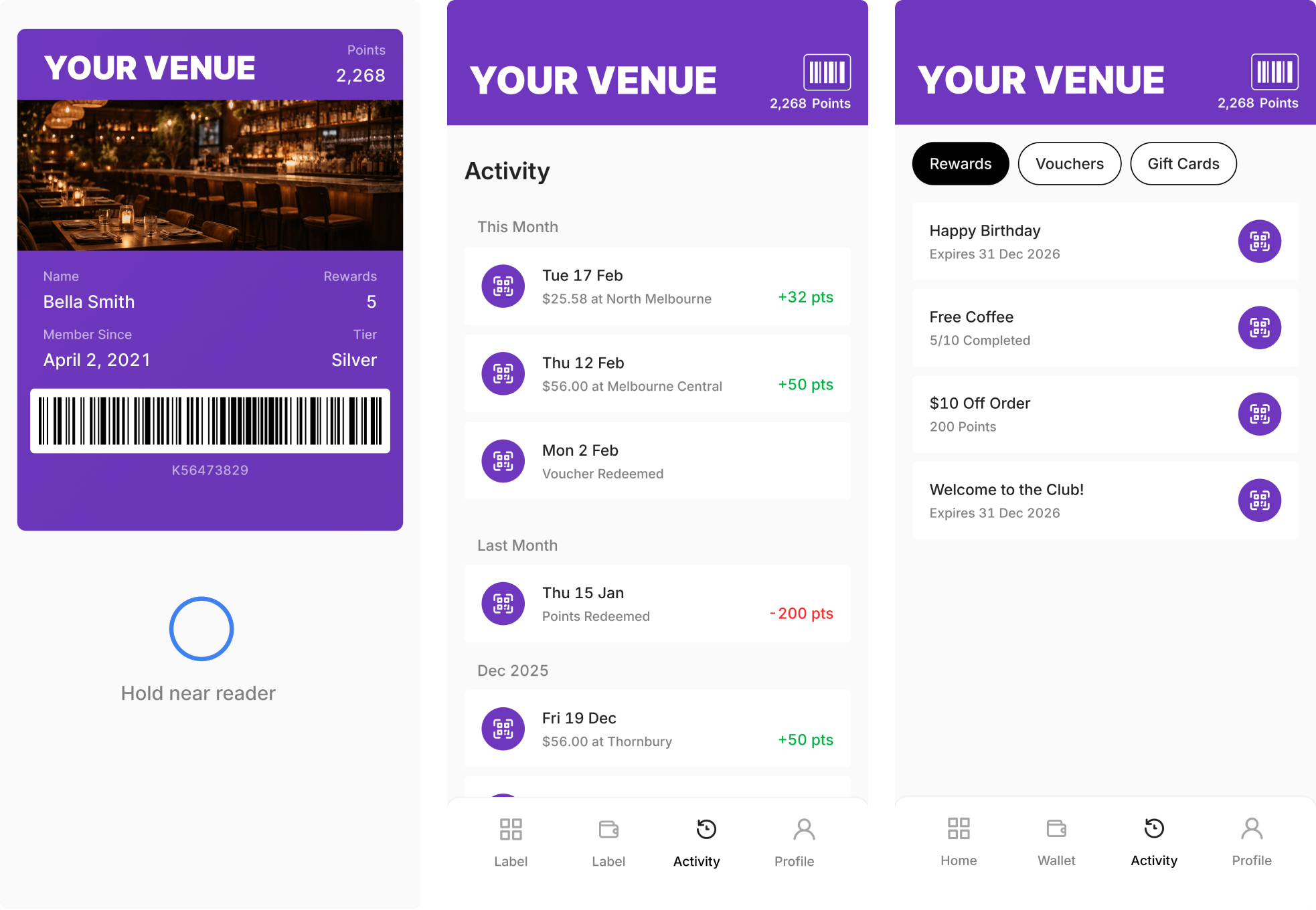
Item style 2, with product images and a one-line description.
POS to payments, covered
One system for every part of your venue.
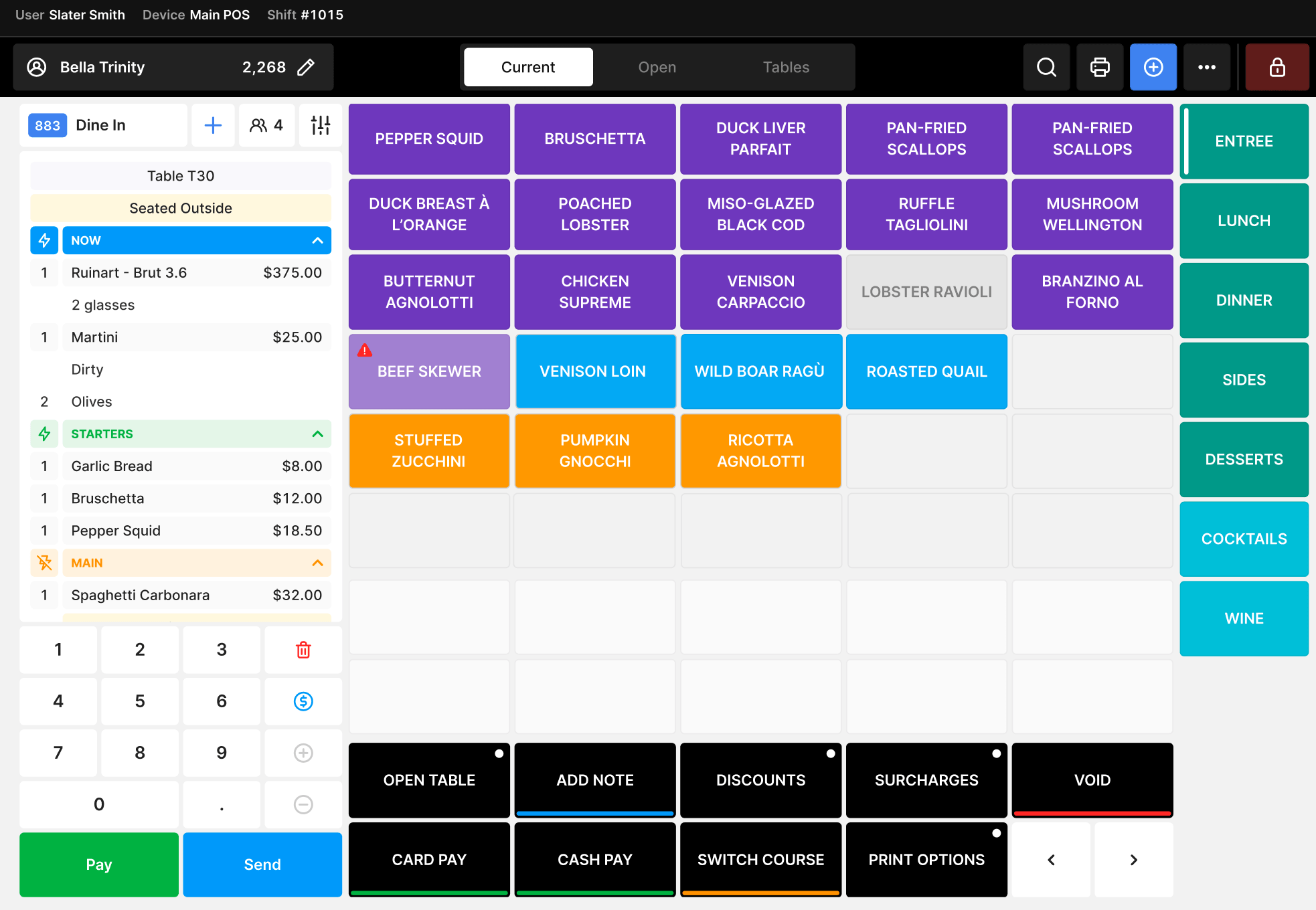
Item style 3, with the full description and no links.
One system, from order to payment
What a busy service looks like on Oolio.
Take the order
At the counter, at the table, on a kiosk or online. Every order lands on the same screen your team already uses.
Send it to the kitchen
Orders go straight to kitchen screens or printers, so the team can start cooking straight away.
Take payment
Integrated payments split bills by item, value or guest, with tipping built in.
See how you're tracking
Real-time reports show sales trends, top sellers and labour costs, so you can make smarter calls.