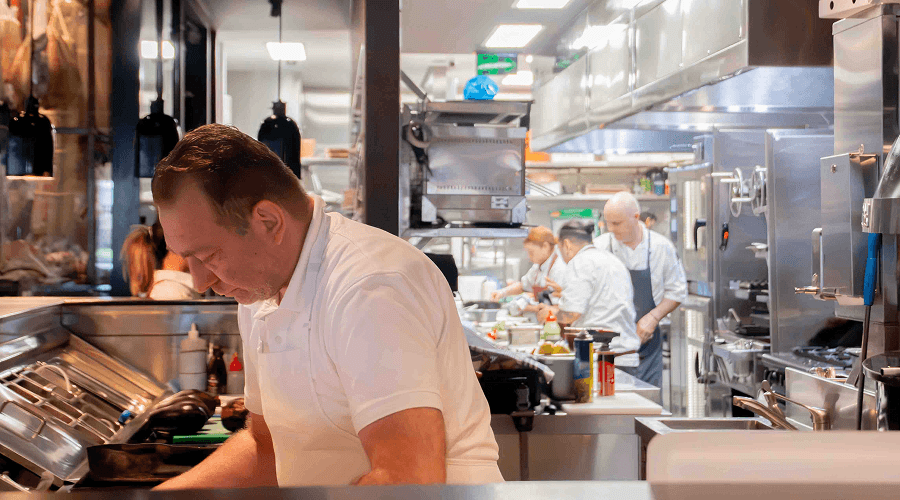
Media
This module is a single image or video, on its own or beside a heading and text.
Content options
- Content type: Media and text, or media only.
- Tag and body text: A short label, heading and text beside the media.
- Buttons: Up to two, as text buttons or images such as app store badges.
- Media: An image, or a video from HubSpot or YouTube with a thumbnail, title, subtitle and duration.
- Video controls: Autoplay and loop.
Design options
- Media alignment: Centred (default), or on the left or right, running to the edge of the screen.
- Media width: 40, 50 or 60%.
- Rounded corners: On by default.
- Video: Landscape or portrait, cropped to fit or shown whole.
- Text: Alignment, dark or light text, ticks and tag colour.
- Button styles: A style for the first and second button.
Recommendations
- Do show the product where it's used, like a terminal on a bar or a screen at a café counter.
- Don't autoplay a video with something to say. Save autoplay for short, silent loops.
Examples
Media module with defaults.
Media module
This module pairs an image or video with supporting text content. Use it to add visual context to a message, walk through a feature, or break up a page with a rich, balanced layout.
Image on the right, running to the edge of the screen.
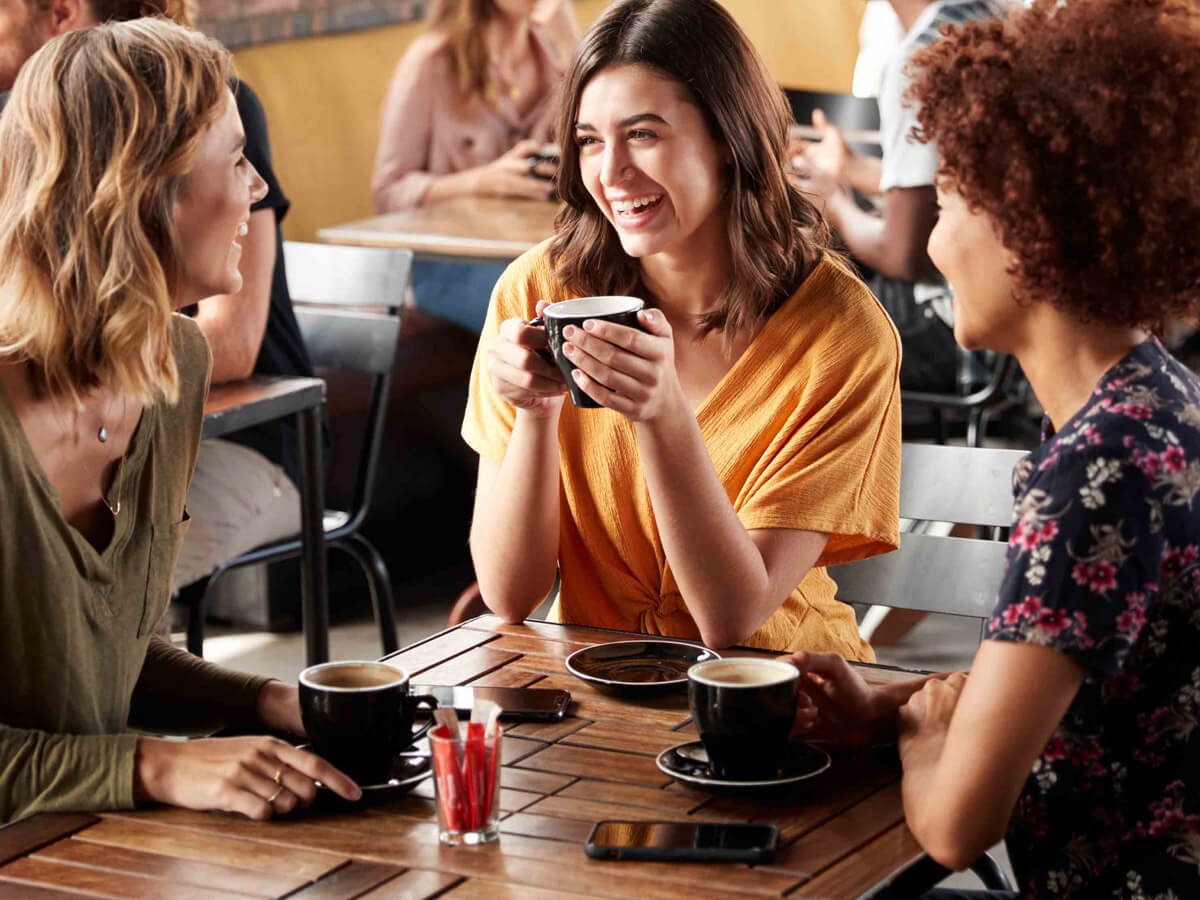
A POS for every home away from home
Cafés are where people start their day, catch up with friends or find a quiet moment. Rising costs, staff changes and systems that don't keep up can turn a busy shift into a scramble.
Our POS connects orders, payments, loyalty and insights, so you don't waste time or money on extra subscriptions or complicated setups.
Video on the left, with a thumbnail and caption.
500 coffees and 500 burgers a day
Yolk uses Oolio's POS, kitchen display and loyalty to keep every order moving through a single lane, from the counter, online and QR codes at the table.
"When you're smashing out 500 coffees, you need efficiency."
Yianni Passaris, Yolk
Media only, centred at 60% width.