Skip to content

Tabbed cards

This module groups cards into tabs, so visitors can switch between sets of cards without scrolling.

Content options

  • Tabs: As many as you need, each with a title and its own set of cards.
  • Cards: Each has a title, body text, up to two tags and optional buttons.
  • Image or icon: None, a banner image, an image, an icon, or a banner image and icon.
  • Anchor ID: Links can open a tab directly, like #cafes, or #anchor-cafes with an anchor ID set.

Design options

  • Cards per row: One to six, for each tab. Three is the default.
  • Cards alignment: Left, centre or right, for each tab.
  • Icon: Colour, background, size and alignment.
  • Card text: Alignment and ticks.
  • Button styles: A style for the first and second button.

Recommendations

  • Do keep the cards in every tab alike, with the same content type and a similar amount of text.
  • Don't use it for a single set of cards. Use the Cards module instead.

Examples

Tabbed cards module with defaults.

Card 1

Phasellus varius, justo eget viverra aliquam, ex nisl ultrices nulla, in scelerisque dolor leo ac justo.

Card 2

Nisl ultrices nulla, in scelerisque dolor. Phasellus varius, justo eget viverra aliquam

Card 3

Aliquam, ex nisl ultrices nulla, in scelerisque dolor leo ac justo. In scelerisque dolor.

Card 1

Phasellus varius, justo eget viverra aliquam, ex nisl ultrices nulla, in scelerisque dolor leo ac justo.

Card 2

Nisl ultrices nulla, in scelerisque dolor. Phasellus varius, justo eget viverra aliquam

Card 3

Aliquam, ex nisl ultrices nulla, in scelerisque dolor leo ac justo. In scelerisque dolor.

Card 1

Phasellus varius, justo eget viverra aliquam, ex nisl ultrices nulla, in scelerisque dolor leo ac justo.

Card 2

Nisl ultrices nulla, in scelerisque dolor. Phasellus varius, justo eget viverra aliquam

Card 3

Aliquam, ex nisl ultrices nulla, in scelerisque dolor leo ac justo. In scelerisque dolor.

Icon cards, three per row, with a tab for each product.

Offline mode

Keep taking orders and payments when the internet drops.

Custom floor plans

See table status at a glance and turn tables faster.

Real-time reporting

Sales trends, top sellers and labour costs as they happen.

Next-day settlement

Next-business-day settlement as standard.

Split bills

Split by item, value or guest, right at the POS.

Built to last a shift

Terminals with 4G backup and all-day battery.

Straight to your POS

Online orders land on the screen your team already uses.

Your own online menu

Run a separate menu for online orders if you want one.

Delivery your way

Use your own team, or Uber Eats and DoorDash.

Banner image cards with tags and a button, in two tabs.

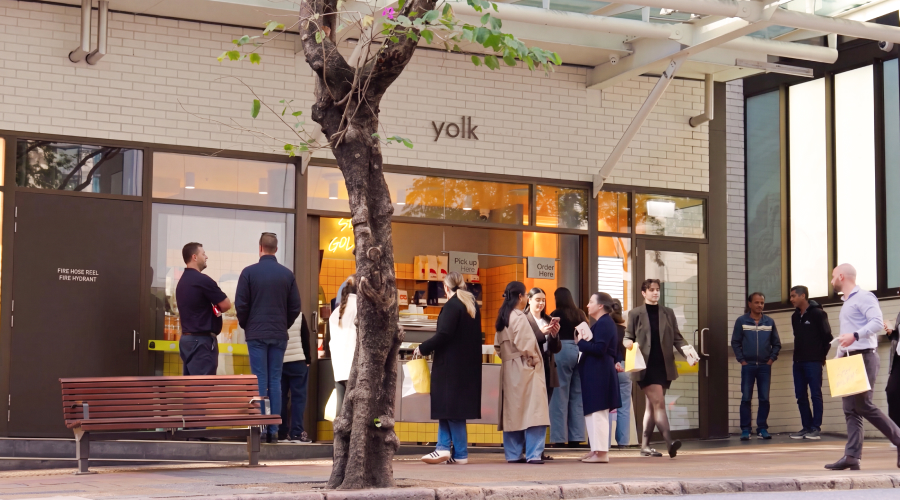
Yolk café in Brisbane
Cafés Loyalty

Yolk

500 coffees and 500 burgers a day, moving through a single lane.
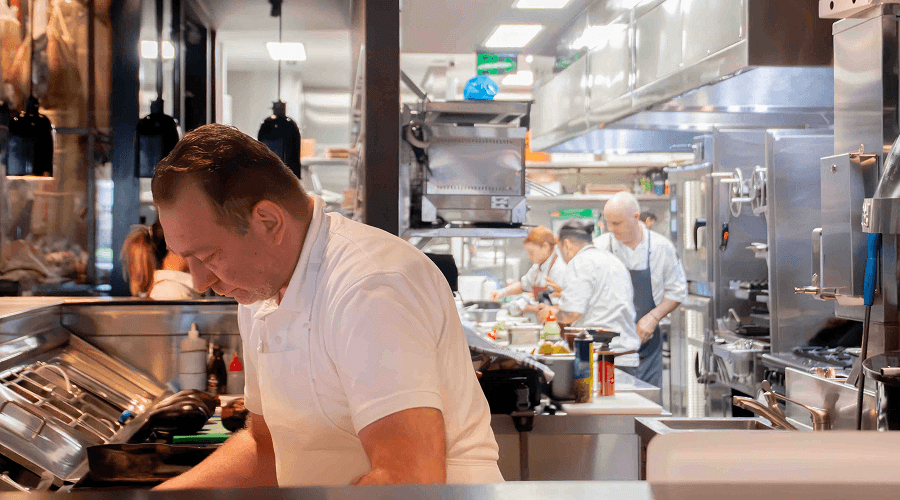
Meat Flour Wine kitchen team at work
Restaurants Payments

Meat Flour Wine

Multiple venues running POS and payments on one system.
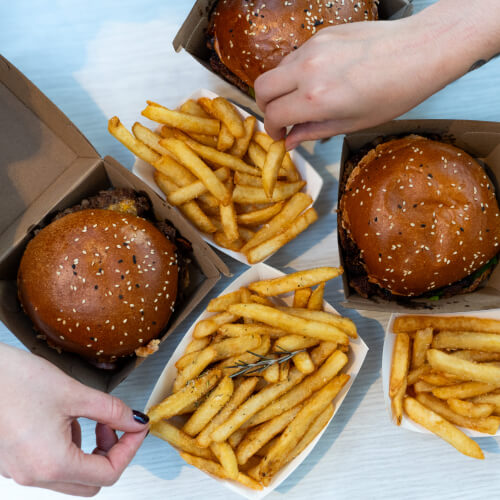
Burgers and chips from Oi Get On It
Quick service Kiosk

Oi Get On It

Kiosks, online ordering and POS working together to serve faster.

Café team serving customers at the counter

Cafés

Built for busy morning takeaways, long brunches and the lunchtime rush.
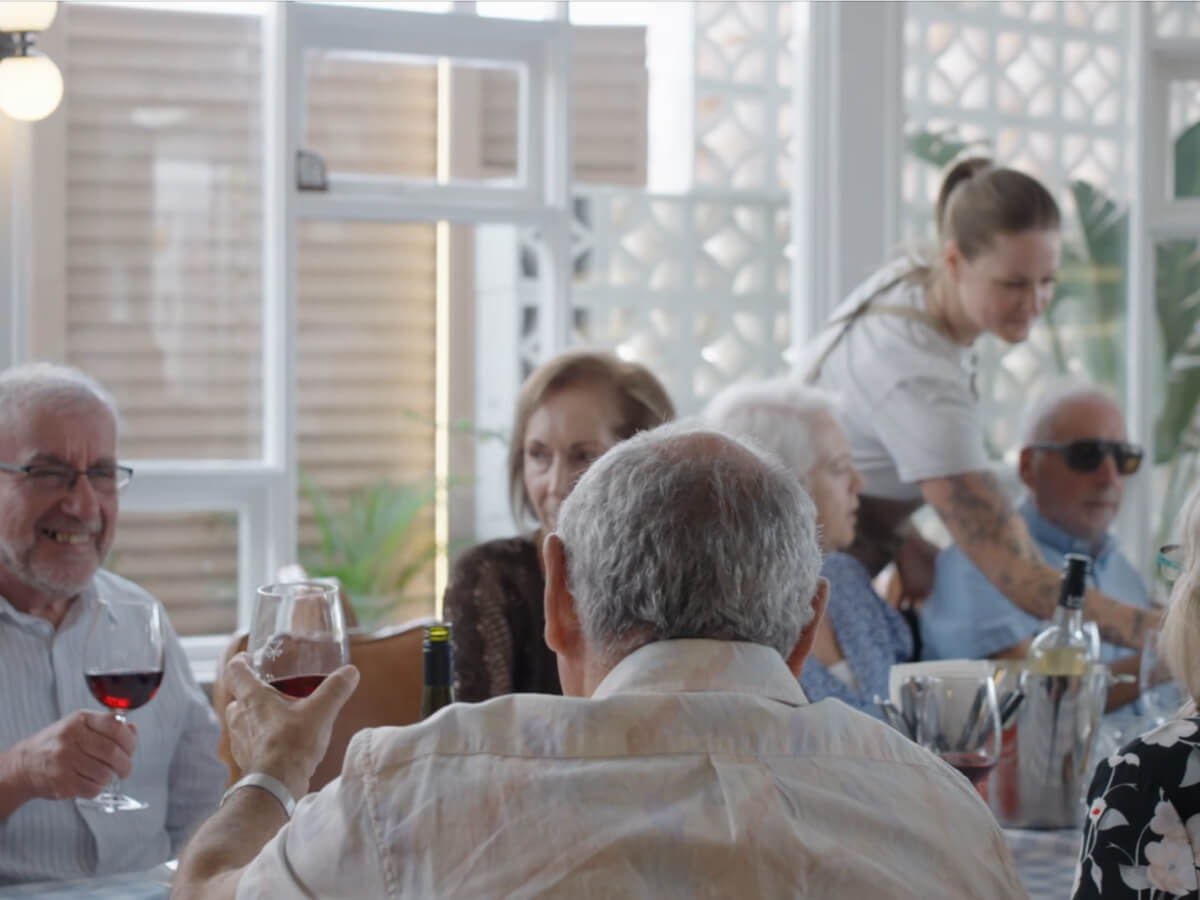
Guests enjoying a meal in a restaurant

Restaurants

Helping your team deliver great service and focus on every guest.
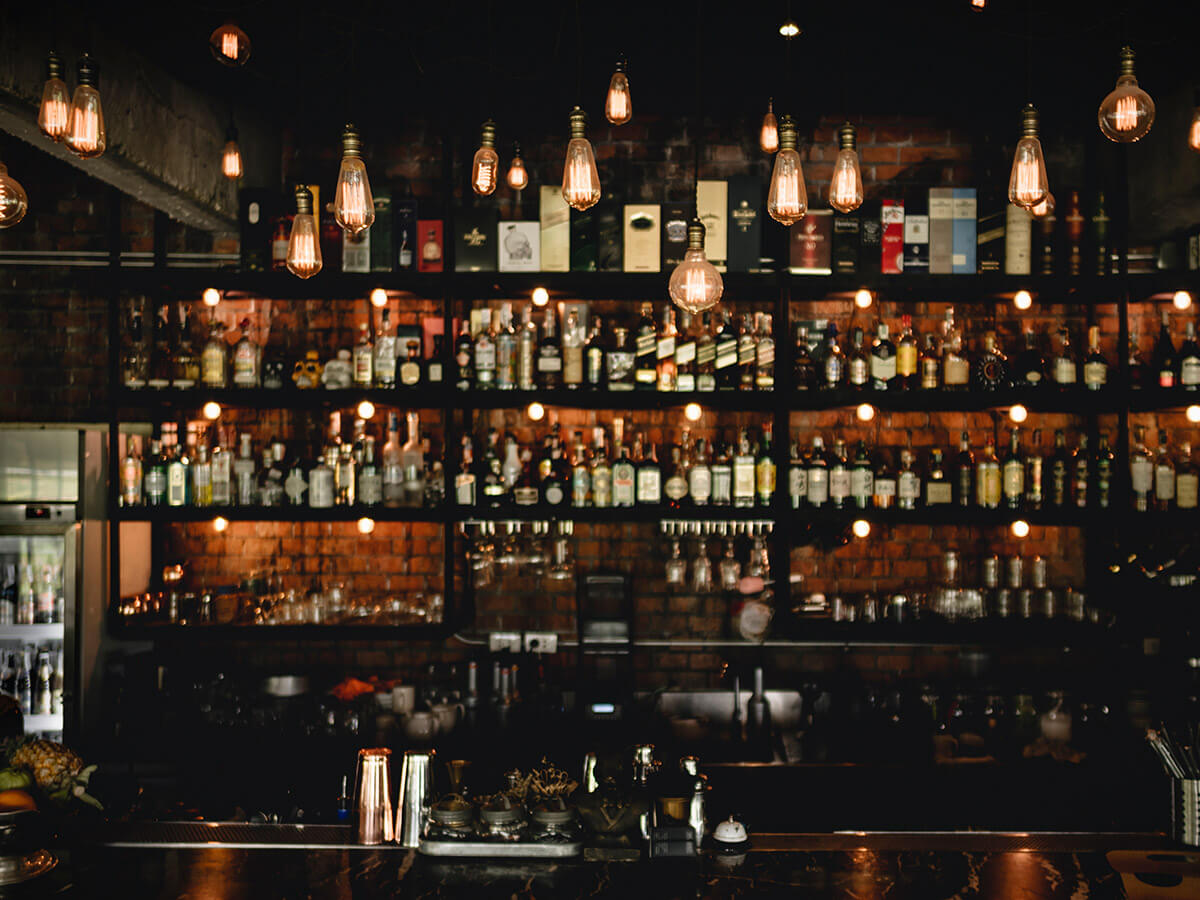
Bartender serving drinks at a busy bar

Bars and clubs

Fast ordering, integrated payments and stock control for busy nights.