Skip to content

Tabbed content

This module splits content into tabs, each with text, buttons and an optional image or video, so visitors can jump to the part they need.

Content options

  • Tabs: As many as you need. Each has a title, text and up to two buttons.
  • Media: None, an image, or a HubSpot or YouTube video with a thumbnail and caption, for each tab.
  • Media tag: A short label over the image or video. Optional.
  • Anchor ID: Links can open a tab directly, like #pos, or #anchor-pos with an anchor ID set.

Design options

  • Media alignment: Right (default), left or centred, for each tab.
  • Media width: 40, 50 or 60%.
  • Rounded corners: On by default.
  • Text: Alignment and ticks, for each tab.
  • Button styles: A style for the first and second button.

Recommendations

  • Do use it for parallel content, like products or venue types, where visitors only need one at a time.
  • Don't put key information in later tabs only. Many visitors never click past the first.

Examples

Tabbed content module with defaults.

Tabbed content module

Organises content into switchable panels via tabbed content, keeping related content together without overwhelming the page.

What's included

Each tab supports an image or video alongside text content, similar to the Media module.

Best used for

Presenting related but distinct content such as product variants, audience types, or feature categories.

Product images on the right, with a button in each tab.

Your POS, built to serve

Built on trusted tech and real hospitality experience, powering venues to serve better, every day.

  • Offline mode keeps orders and payments running
  • Custom menus, floor plans and workflows
  • Real-time reporting on sales and top sellers
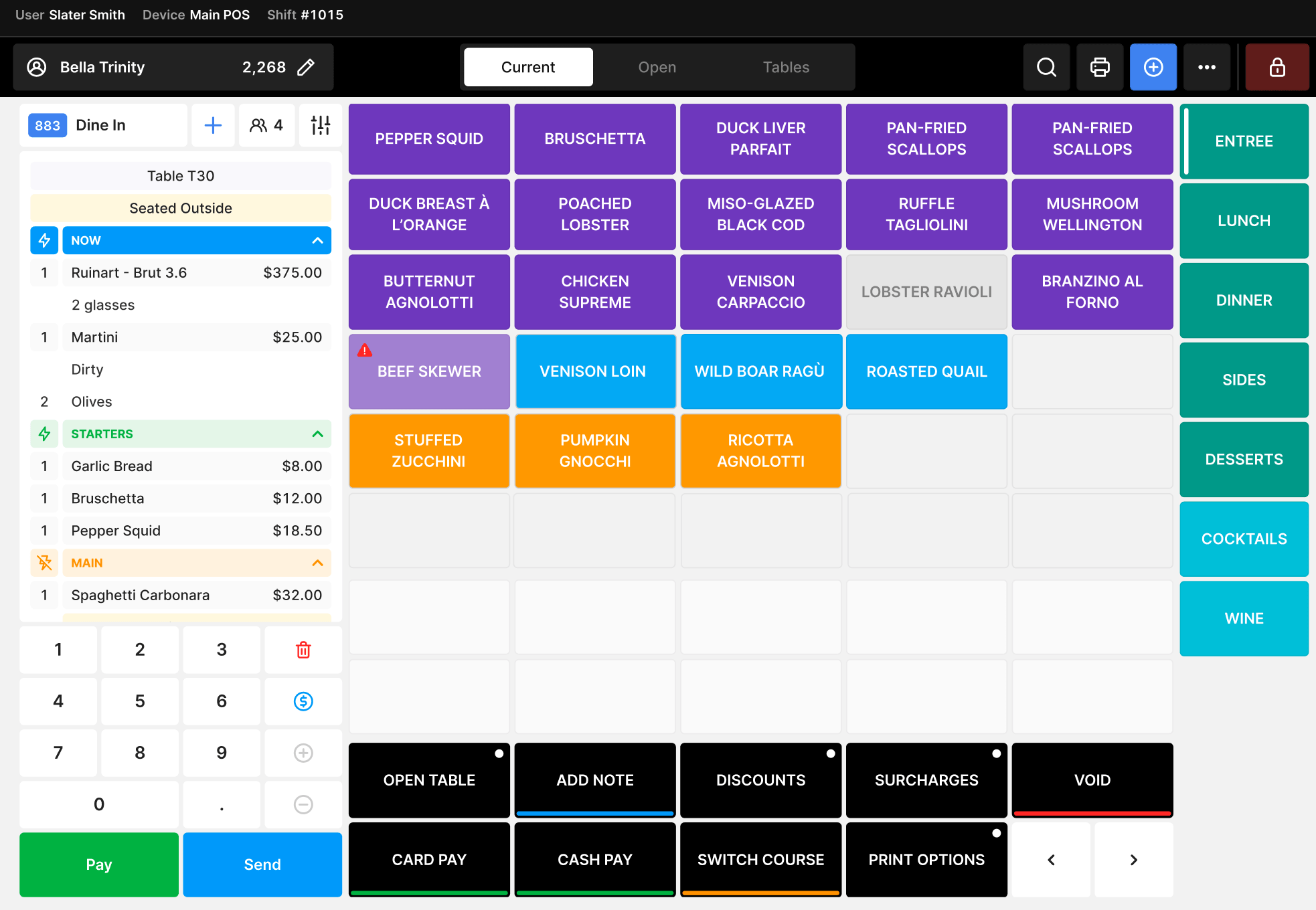
Oolio point of sale screen

Payments made for hospitality

Built for every rush and late shift. Fast, connected payments, supported round the clock.

  • Next-business-day settlement as standard
  • Split bills and tipping built in
  • 4G backup and all-day battery
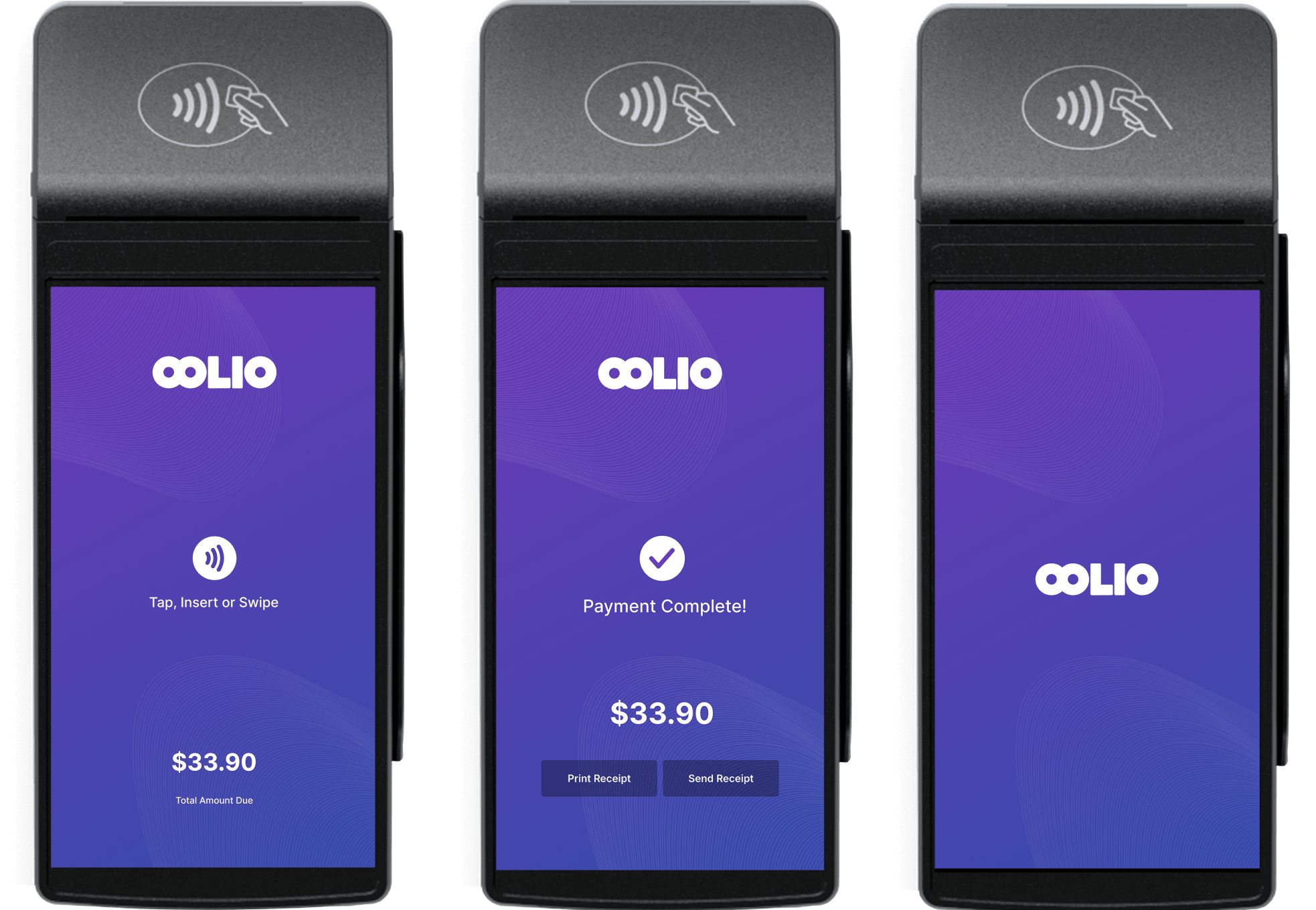
Oolio payment terminal

Online ordering made simple

Your online orders, menus and payments connected, with no chaos and no missed revenue.

  • Orders flow straight into your POS
  • A separate online menu if you want one
  • Your own delivery team or Uber Eats and DoorDash
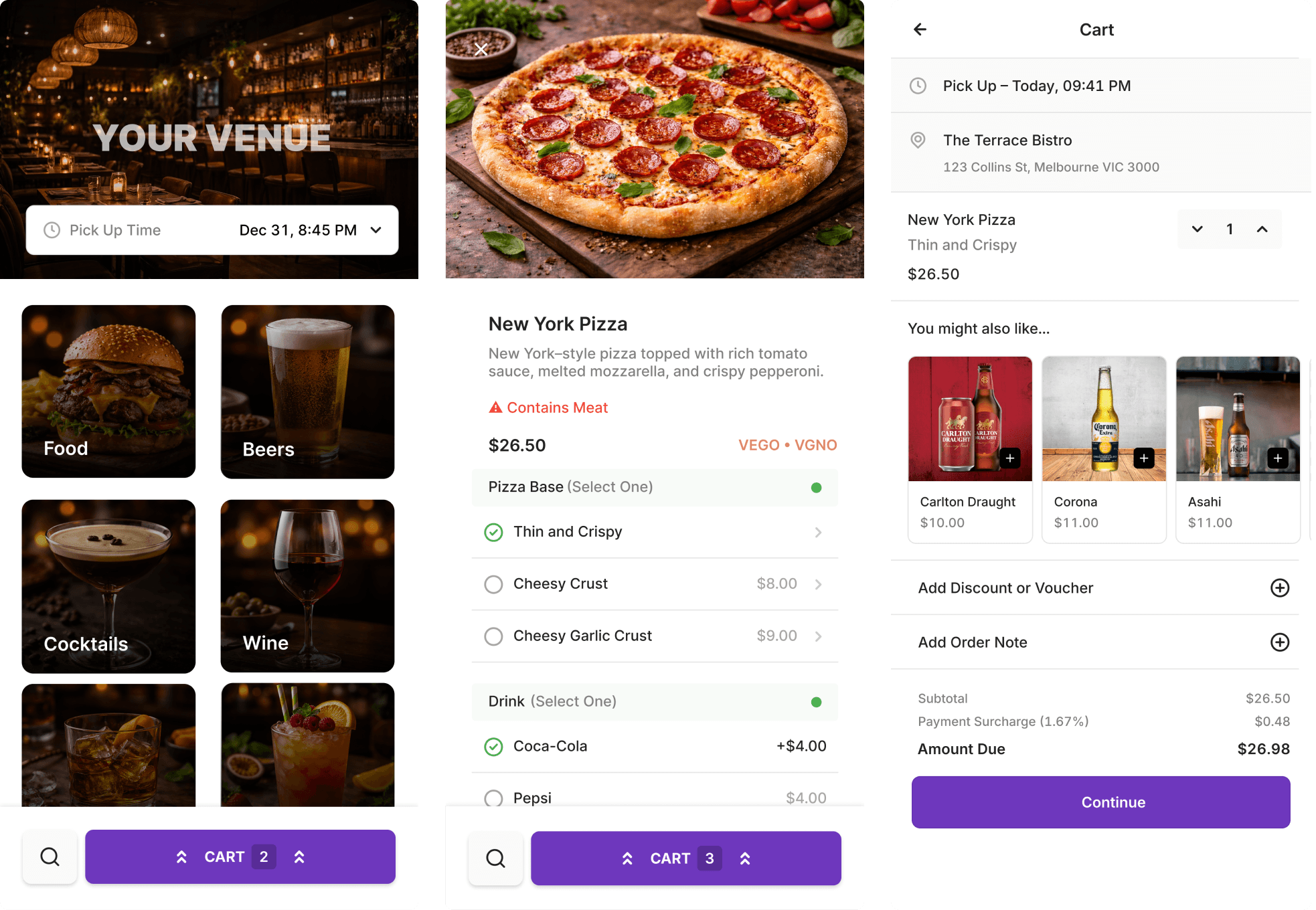
Oolio online ordering screen

Videos on the left at 60% width, with a media tag, in a full-width section so the media runs to the edge.

Yolk

A high-volume Brisbane café using Oolio's POS, kitchen display and loyalty to keep 500 coffees and 500 burgers a day moving through a single lane.

"When you're smashing out 500 coffees, you need efficiency." Yianni Passaris

Customer story
Yolk
Oolio in action

Meat Flour Wine

Multiple venues running POS and payments on one system.

"Guests can pay at the table with Oolio Pay and split bills easily." Renato Chilelli

Customer story
Meat Flour Wine
Oolio in action

Oi Get On It

Kiosks, online ordering and POS working together to serve faster.

"Customers are up-selling themselves." Tony Plunkett

Customer story
Oi Get On It
Oolio in action