Skip to content

AI Design

Two files. The whole brand. Any AI tool.

Drop these into an AI tool's project or knowledge base before asking it to design, write or build something for Oolio. They save you re-explaining the brand every time, and keep the output consistent with everything else Oolio puts out.

  • DESIGN.md: the brand itself, for anything outside the website, like a report, a social graphic, a print piece or a deck.
  • WEBSITE.md: the website theme, for pages on oolio.com and the Oolio product sites. Use it alongside DESIGN.md.

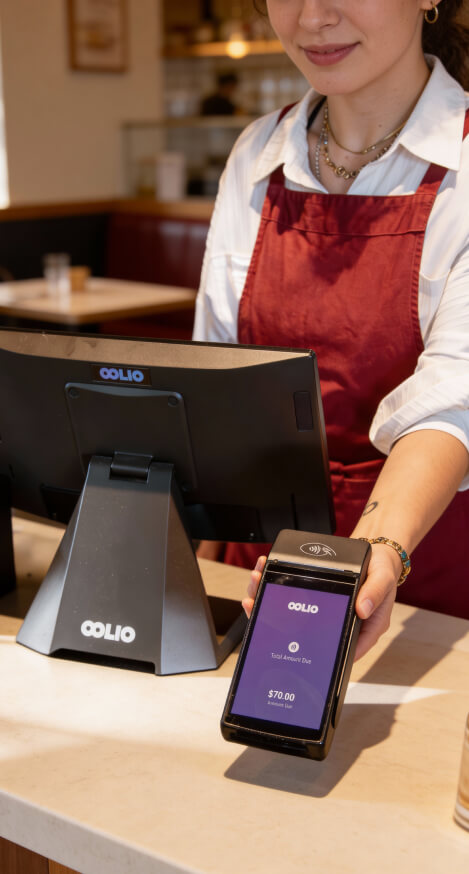
Paying using card with an Oolio terminal
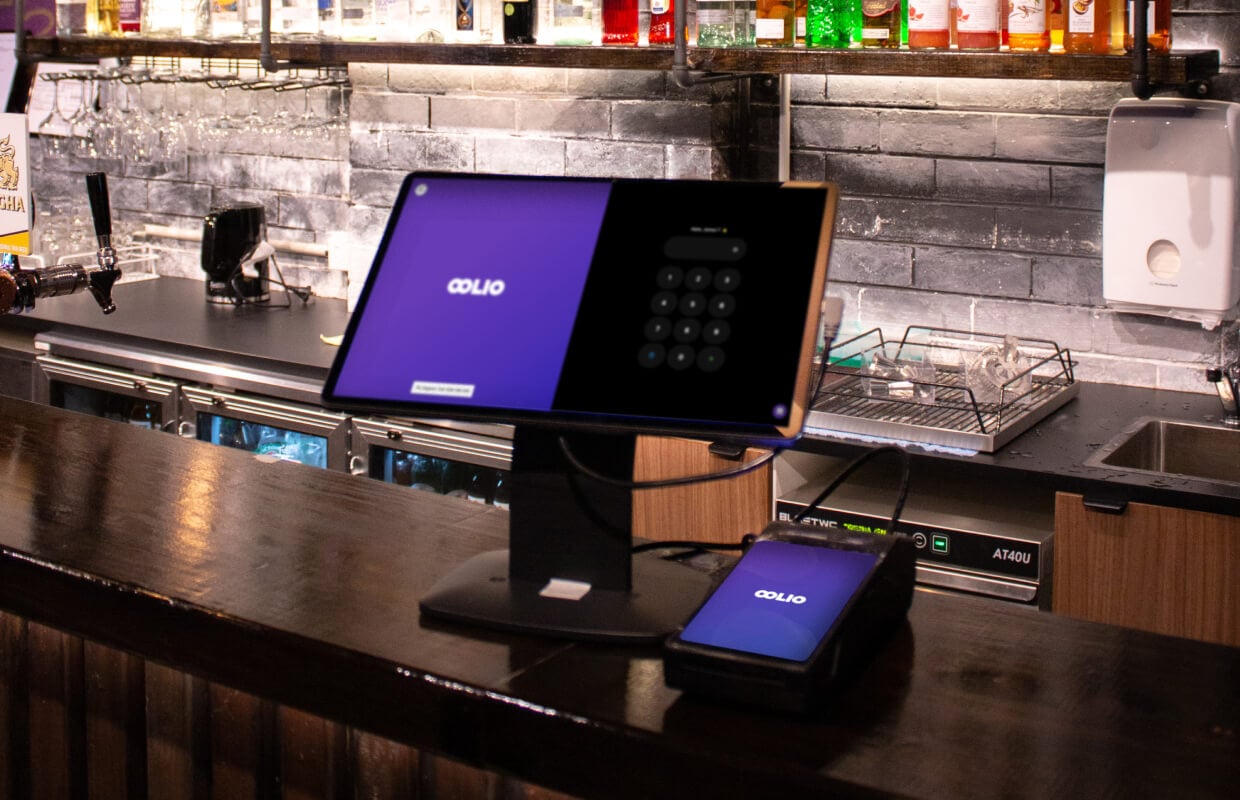
Oolio payments and pos behind the counter
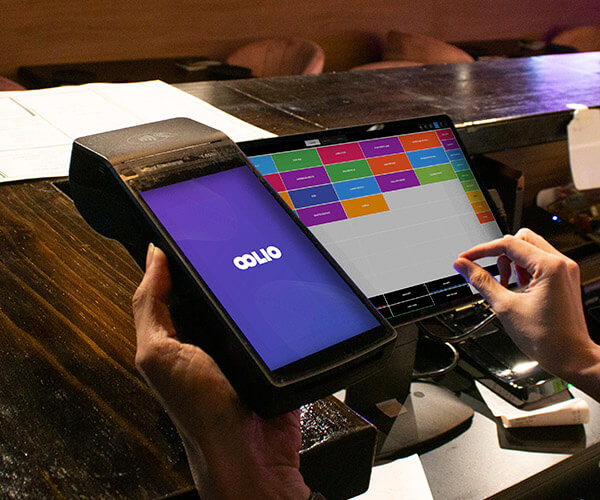
Staff member putting an order through the POS
Oolio payment device held by waitress behind the counter
Bar staff serving behind a pub bar with taps
oolio-referral-photo1

How to use them

  1. Download DESIGN.md, and WEBSITE.md too if you're working on a web page.
  2. Add them to your AI tool's project or knowledge base: Claude Projects, a custom GPT, ChatGPT project files, whatever you're using.
  3. Ask it for what you need. It already knows Oolio's colours, fonts, logo rules and tone, and with WEBSITE.md, which templates and modules to build a page from.

DESIGN.md covers voice & tone, colour, typography, logo, iconography, imagery, accessibility, and the visual language carried over from the website.

WEBSITE.md covers the website theme's four templates, all 28 modules and when to use each, the shared elements, how pages on oolio.com are put together, and tips for building pages in HubSpot.

These are snapshots, not a live reference. For the latest, always check the guideline pages on this site.